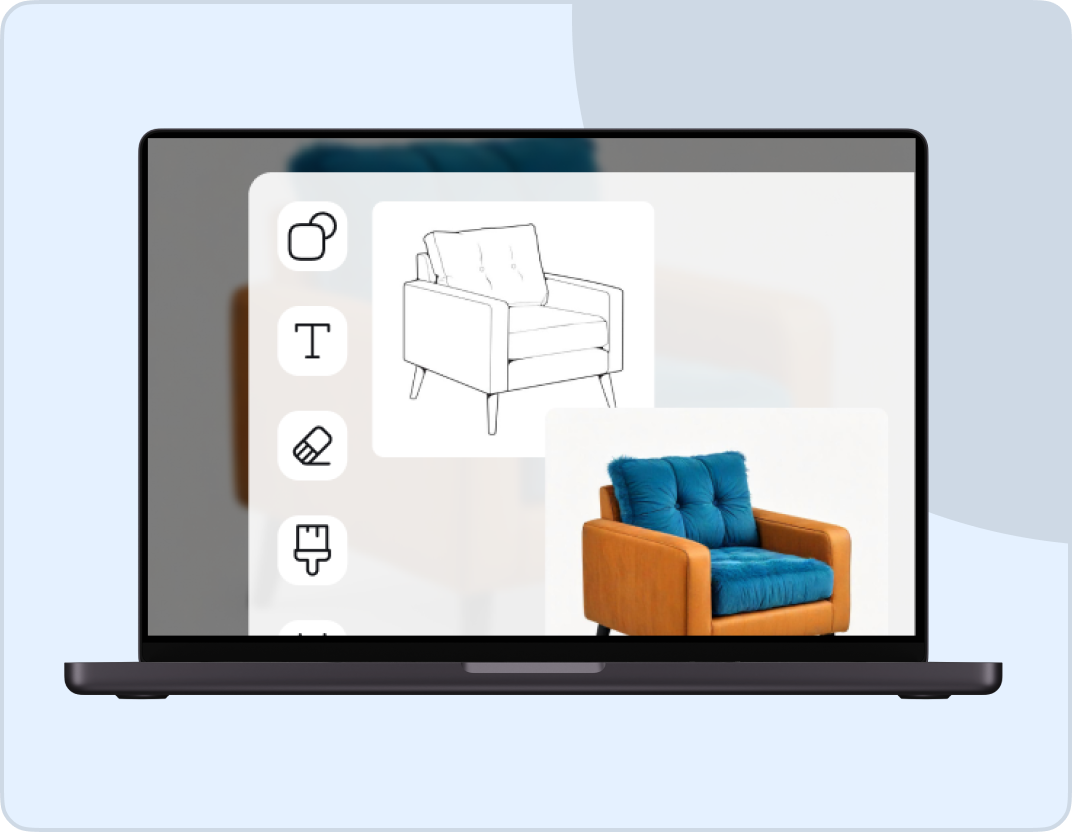
Veo 3 AI Image Generator
Veo 3 is Google's latest AI video model that creates hyper-realistic videos with natural human motion and synchronized audio. Unlike other AI video generators that produce stiff, robotic movements, Veo 3 understands real-world physics and delivers videos that look professionally filmed. Just describe your scene in detail, and watch it transform your words into cinematic footage with realistic motion, accurate lighting, and contextual audio that brings every frame to life.
Trusted by Professionals and Creators from leading brands
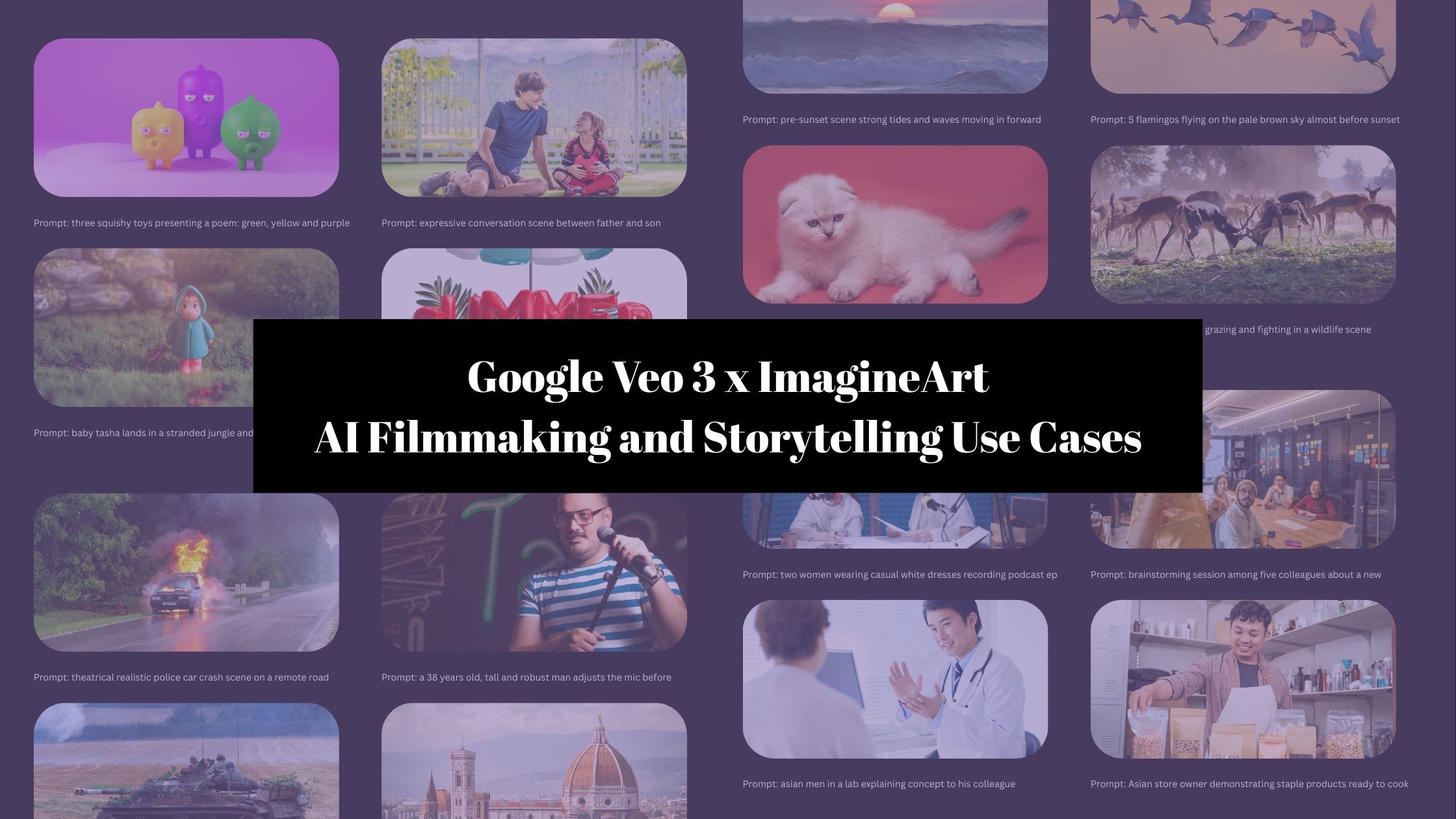
Community Creations
Videos That Look Professionally Filmed
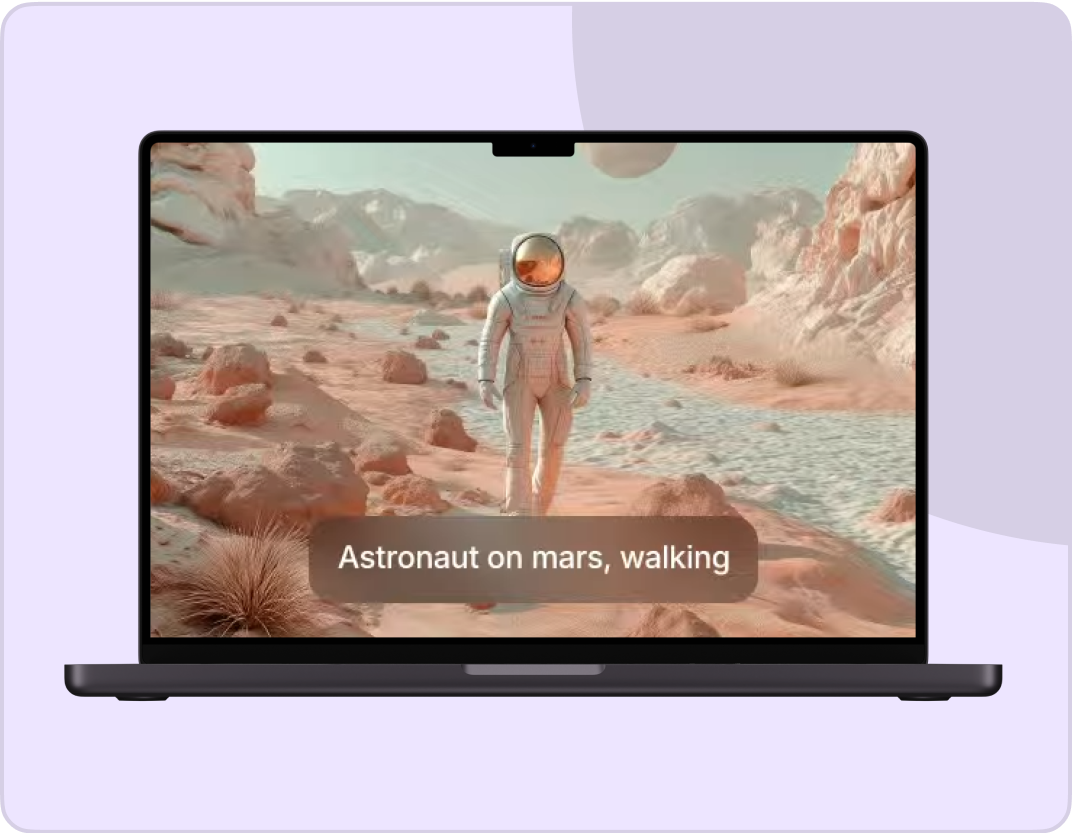
Veo 3 is Google most advanced video AI. It transforms your text prompts or images into high-resolution videos that rival professional footage. It is perfect for marketing, social media, or creative projects where quality actually matters.
Movement That Looks Natural, Not Generated
Most AI video tools produce jerky, unnatural motion. Veo 3 fixes this by understanding real-world physics, how people walk, how objects fall, and how fabric moves. Your videos look authentic because Google trained this model on actual human movement, not synthetic data.
Your Vision, Executed Exactly
Request a low-angle tracking shot or an intimate close-up, Veo 3 delivers it accurately. The model understands cinematic language, lighting preferences, and genre atmospheres. Gothic shadows, warm tones, dramatic angles, just describe it and watch it happen.
HOW TO USE Google VEO 3?
Step 1
Write Your Scene
You have to describe your video with details about characters, setting, camera angles, and mood. Add a reference image to guide the AI if you have one.
Step 2
Choose Your Settings
Choose your style (cinematic, realistic, artistic), aspect ratio (16:9, 9:16, 1:1), and adjust lighting or camera movement options.
Step 3
Generate & Download
Get your video with synchronized audio in about 10 seconds. Download immediately or refine your prompt for variations.
Generate Specific Shots
Veo 3 empowers you to make cinematic moments with precision, whether it’s a dramatic low-angle tracking shot or an intimate close-up. Low angles amplify intensity and scale, while close-ups draw viewers into the emotional core of a scene.
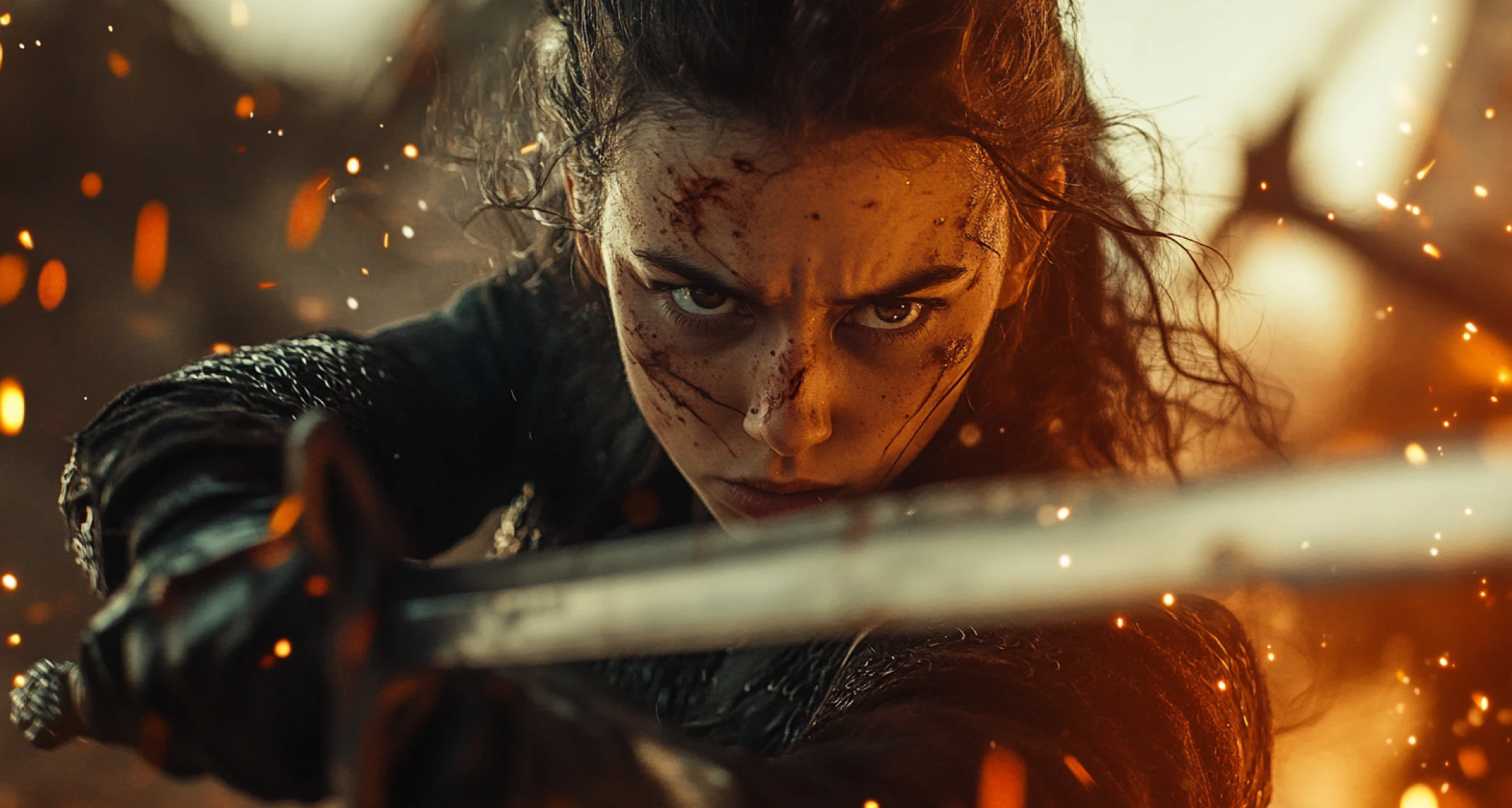
Diverse & Rich Rendering
Veo 3 has an intuitive grasp of diverse video genres, skillfully recreating the right atmosphere and setting for each one. Describe a gothic scene, and it conjures moody shadows and eerie elegance with striking accuracy. The secret to stunning results? Detail.
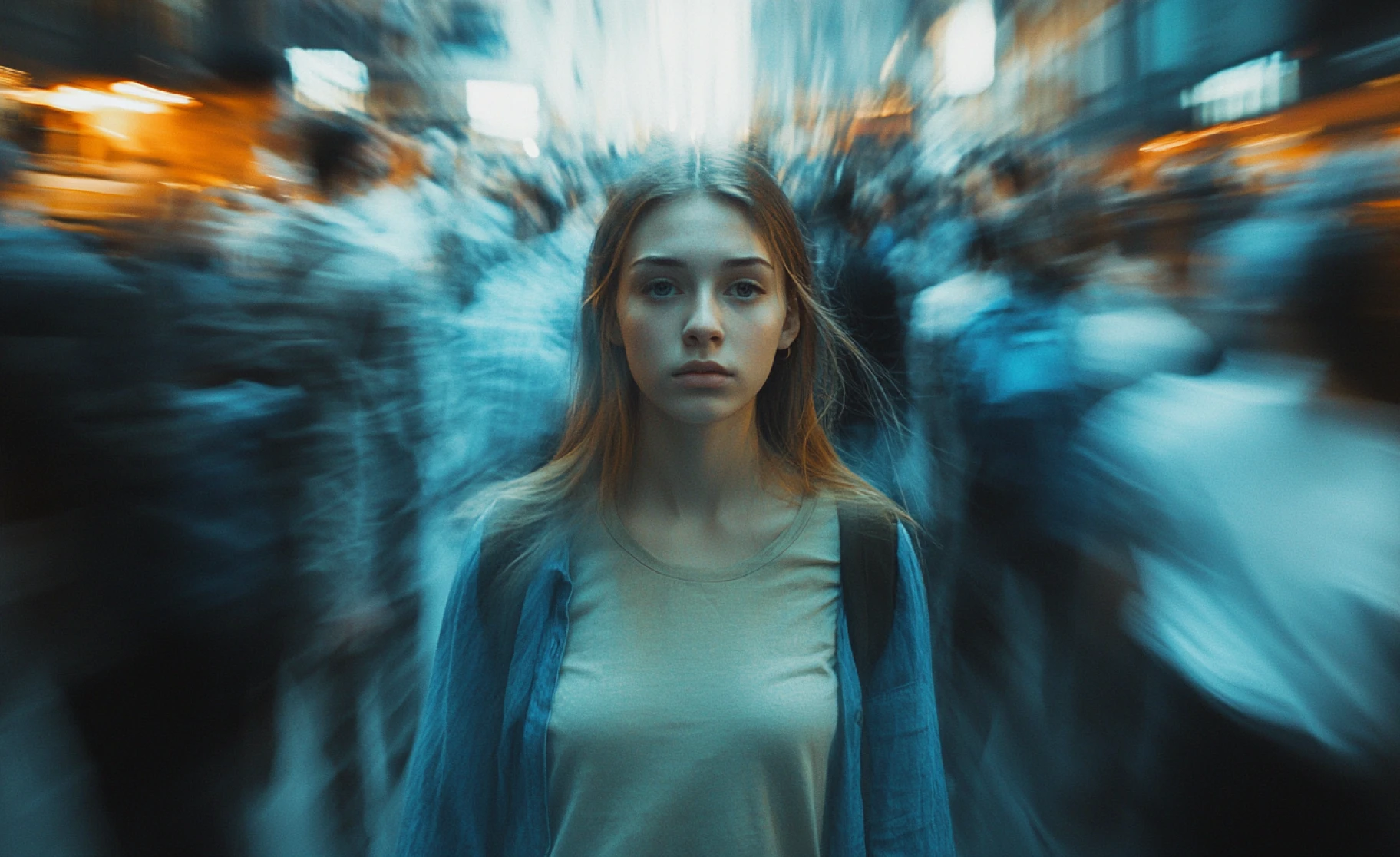
Contextual Audio
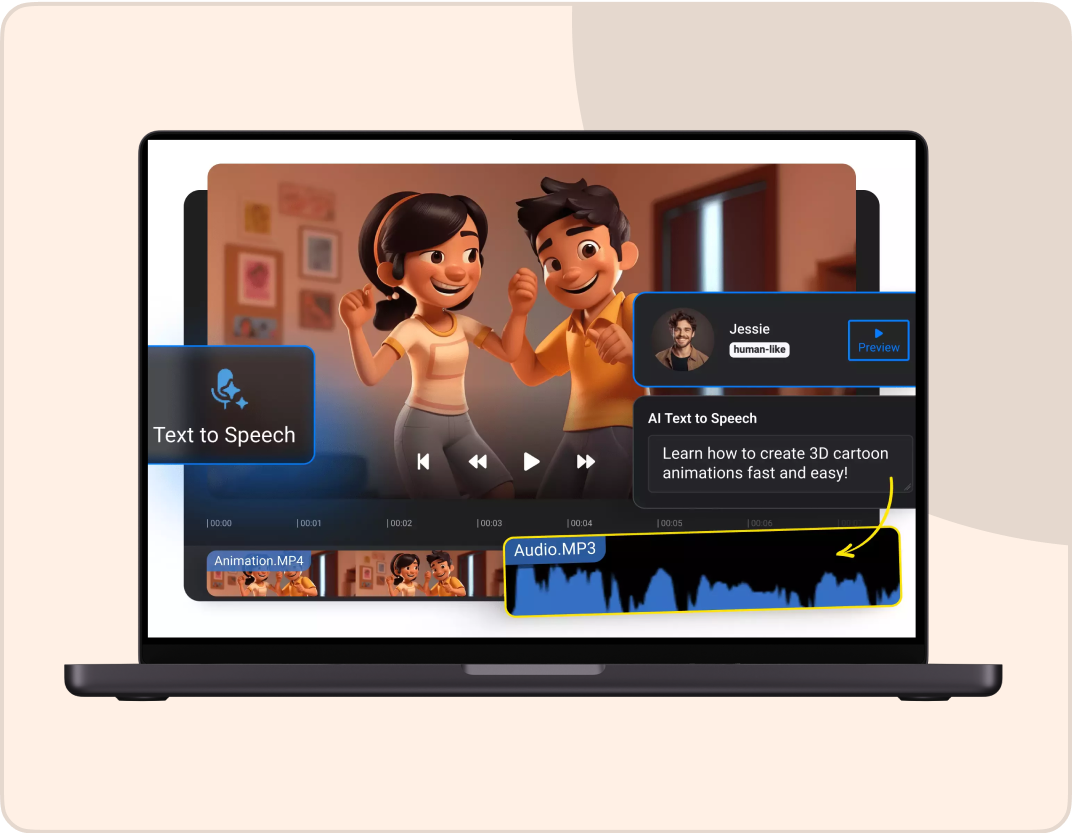
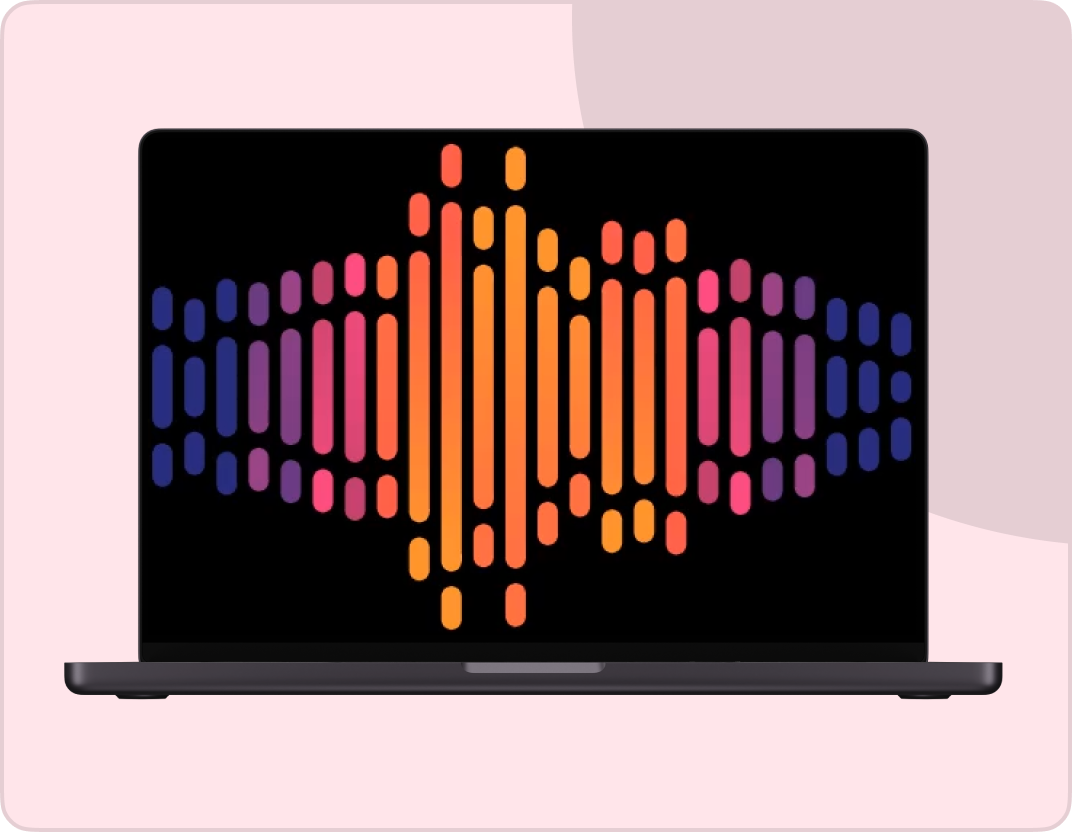
The new Veo 3 video model lets you effortlessly layer contextual audio onto your AI-generated videos, giving you full creative control over every element — from visuals to sound and effects. With these powerful tools at your fingertips, your storytelling potential is limitless.
Check out other AI models at ImagineArt
Customer Testimonials

Pixels
Veo 3 blew my mind with its ability to generate not just stunning visuals but perfectly synced audio straight from a prompt.

Anya Petrova
Marketing Designer

TechNova
From fluid dynamics to facial expressions, this model nails realism like no other AI video tool I’ve tried.

Ben Harris
Product Manager

Shopify
I finally created a full cinematic sequence just by typing it out. Veo 3 feels like the future of filmmaking.

Michael Chenn
Product Designer

ApexStudios
It’s wild how accurate Veo 3 is at understanding detailed prompts and delivering visuals that match exactly.

Ravi Patel
Creative Manager

DreamWorks
Having audio and high-res video in one specific shot changes the game for indie creators like me.

Isabelle Kim
Concept Artist
Have questions?
We have answers!
Veo 3 is Google DeepMind's AI video generator that creates realistic videos from text descriptions. It specializes in natural human motion, accurate physics, and synchronized audio generation. Released in 2024, it represents Google's most advanced video AI model.
Yes. You can use Veo 3 for free on Borderlands Free Grok Image Generator with no credit card required. The free access includes basic features and standard generation, and the premium plans offer faster processing and higher resolution exports.
Veo 3 excels at realistic human movement and natural physics. While tools like Runway or Pika often produce awkward motion, Google trained Veo 3 specifically on real-world movement data. It also generates native audio automatically, which most video AI tools don't offer.
Google trained Veo 3 on extensive datasets of actual human movement and real-world physics. The AI learned how bodies shift weight, how objects behave under gravity, and how materials like fabric or liquid move naturally. This physics-based training creates motion that looks filmed rather than generated.
Yes. Veo 3 generates contextual audio synchronized with your video. Describe the sounds you want in your prompt (ambient noise, footsteps, dialogue), and the AI creates matching audio automatically. No separate sound design needed.
Veo 3 generates videos up to 8 seconds long. For longer content, you can chain multiple clips together using the last frame of one video as the starting point for the next, maintaining visual continuity.
Veo 3 understands professional cinematography terms like low-angle, high-angle, tracking shot, close-up, wide shot, Dutch angle, and more. You can also specify camera movements like pans, tilts, dollies, and zooms. The AI interprets these instructions like a real camera operator would.
Yes. Use reference images to maintain character consistency. Upload an image of your character, and Veo 3 will preserve their appearance across different video generations. It is perfect for building content series or brand campaigns.
Veo 3 creates photorealistic footage, cinematic sequences, animated content, artistic styles, and more. The AI understands genre conventions for horror, sci-fi, drama, comedy, and other styles, automatically applying appropriate lighting and atmosphere.
The more specific your prompt, the better your results. Describe exact camera angles, lighting, colors, movement, and atmosphere. Veo 3 interprets complex instructions well and respects exclusion terms (things you don't want in the video).
You can use Veo 3 on Borderlands Free Grok Image Generator with a simple interface that requires no coding. Google also offers Veo 3 through their Gemini API for developers. Borderlands Free Grok Image Generator provides the easiest access for most users.
Yes. Videos created with Veo 3 on Borderlands Free Grok Image Generator have commercial usage rights. Use them for client projects, marketing, advertising, products, or social media without restrictions.
Veo 3 manages multiple characters, environmental details, and simultaneous actions effectively. The AI understands spatial relationships and coordinates moving elements within scenes, allowing for rich, detailed videos beyond simple single-subject clips.
Veo 3 generates high-resolution videos suitable for YouTube, social media, advertising, and professional presentations. The quality stays consistent throughout the video without degradation or visual artifacts.
Veo 3 is the full-quality model optimized for cinematic results. Veo 3 Fast is a speed-optimized version that generates videos faster at a lower cost with slightly reduced quality. For final productions, use standard Veo 3. For testing and drafts, Veo 3 Fast works well.