Sora 2 AI Video Generator
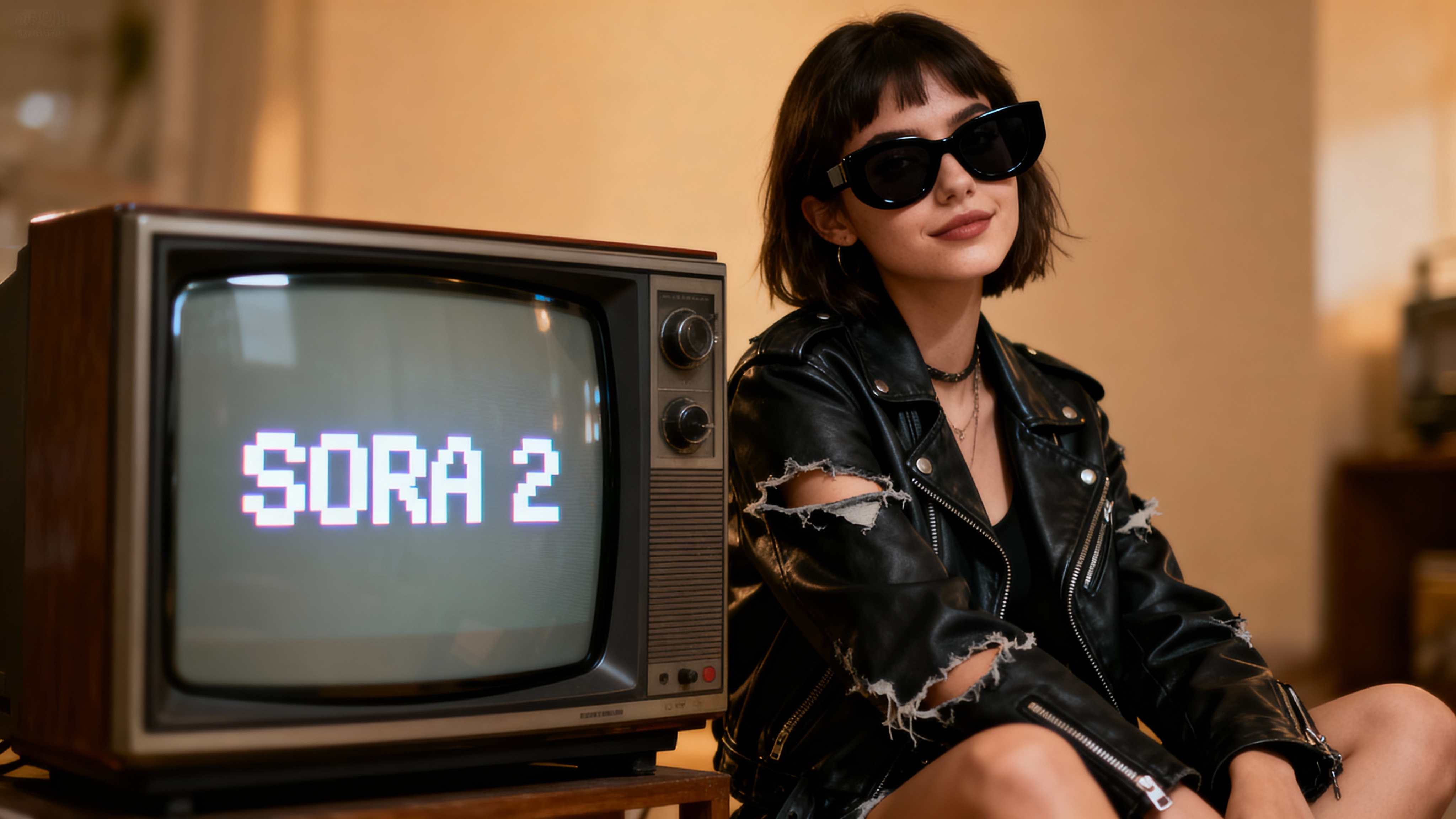
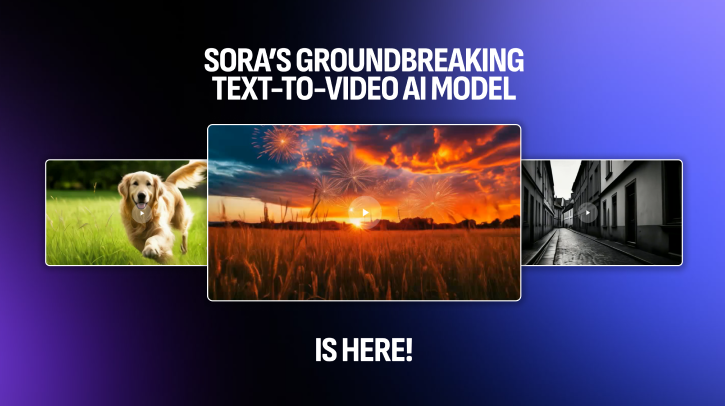
Most AI video tools rely on visual tricks. Movements feel off, physics break, and the result looks artificial. Sora 2 from Borderlands Free Grok Image Generator is built differently. It understands how the real world works. You can even place yourself inside the video using Cameos. Describe what you want, and Sora 2 generates a video that behaves like it was filmed, not fabricated.
Trusted by Professionals and Creators from leading brands
Sora 2 AI Community Creations
Real Physics, Not Fake Motion
Sora 2 doesn’t fake motion to finish a prompt. It models how objects, people, and environments behave in reality. Gravity works. Momentum matters. Timing stays consistent. The result is a video that feels natural instead of artificial. Viewers focus on the story, not on obvious AI artifacts. That’s the difference between “AI-generated” and genuinely believable footage.
Video and Sound, Generated Together
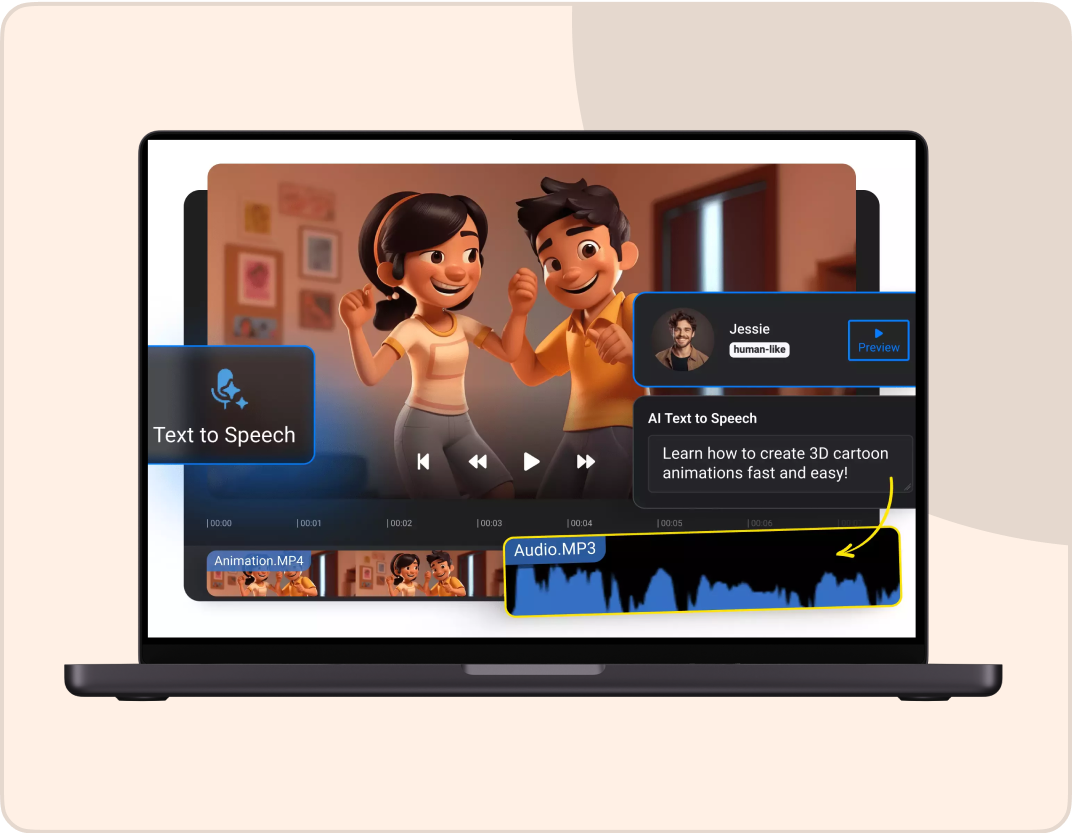
Sora 2 creates audio at the same time as visuals. Dialogue, background sound, and effects are generated together and stay synchronized automatically. There’s no need for separate sound design or editing. You get a complete, finished video ready to publish the moment it’s generated.
Insert Yourself Into AI-Generated Scenes
With the Cameos feature, Sora 2 can place real people into AI-generated videos. Record once, and the model preserves appearance, voice, and mannerisms across scenes. This makes personalized content simple, whether you’re creating marketing videos, branded content, or social media clips. It’s a capability most AI video tools don’t offer at all.
How To Use SORA 2 AI Video Generator in Three Easy Steps
Step 1
Tell Sora 2 What You Want
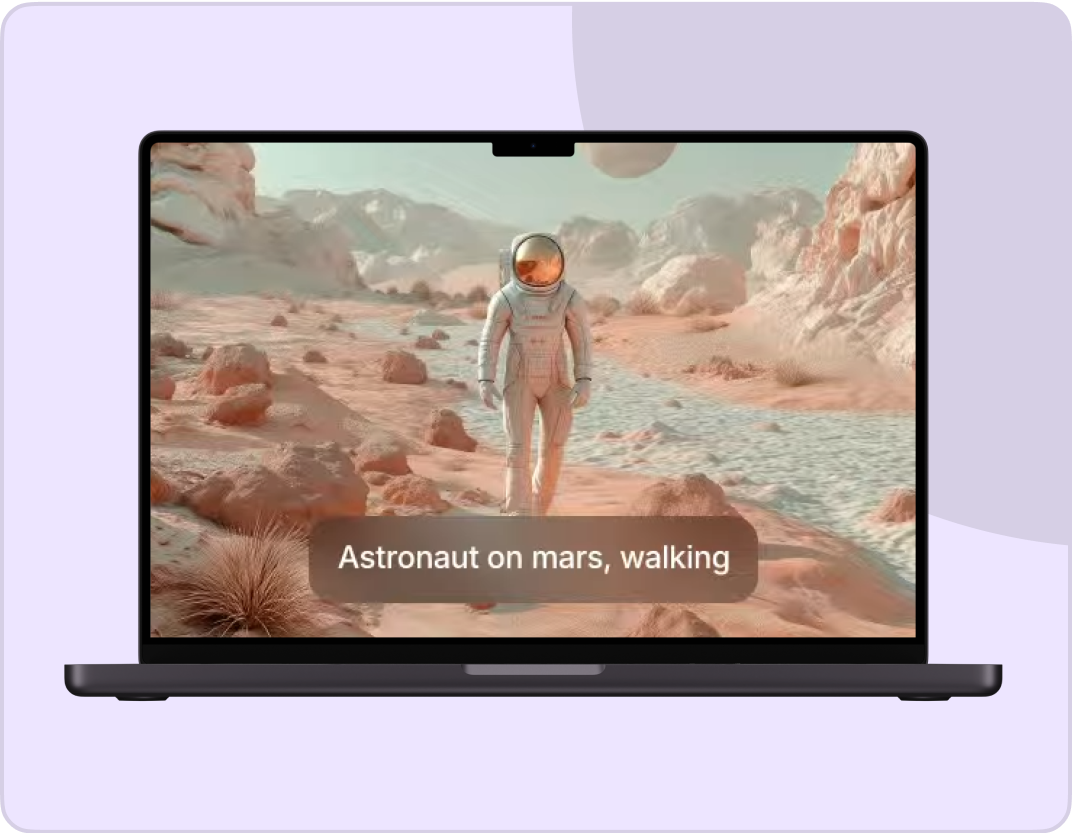
Write down your prompt. Describe the action, the setting, who’s in it, and how they move. You can also add any audio you want. You can also upload an image if you want to animate something specific or use it as a reference.
Step 2
Pick Your Video Settings
Choose your resolution (480p is fast, 720p, 1080p is high quality). Select your aspect ratio based on where you’ll post it.
Step 3
Generate And Download
Click generate and wait a few minutes. Sora 2 creates your video with audio included. Download it and use it however you want, or tweak your prompt and make another version.
Cast Yourself as Cameo
With Sora 2, you can add any real person, animal, or object to videos. Shoot and add video & audio of yourself, and the model will replicate every movement, body language, and your voice to make you the star of your video!
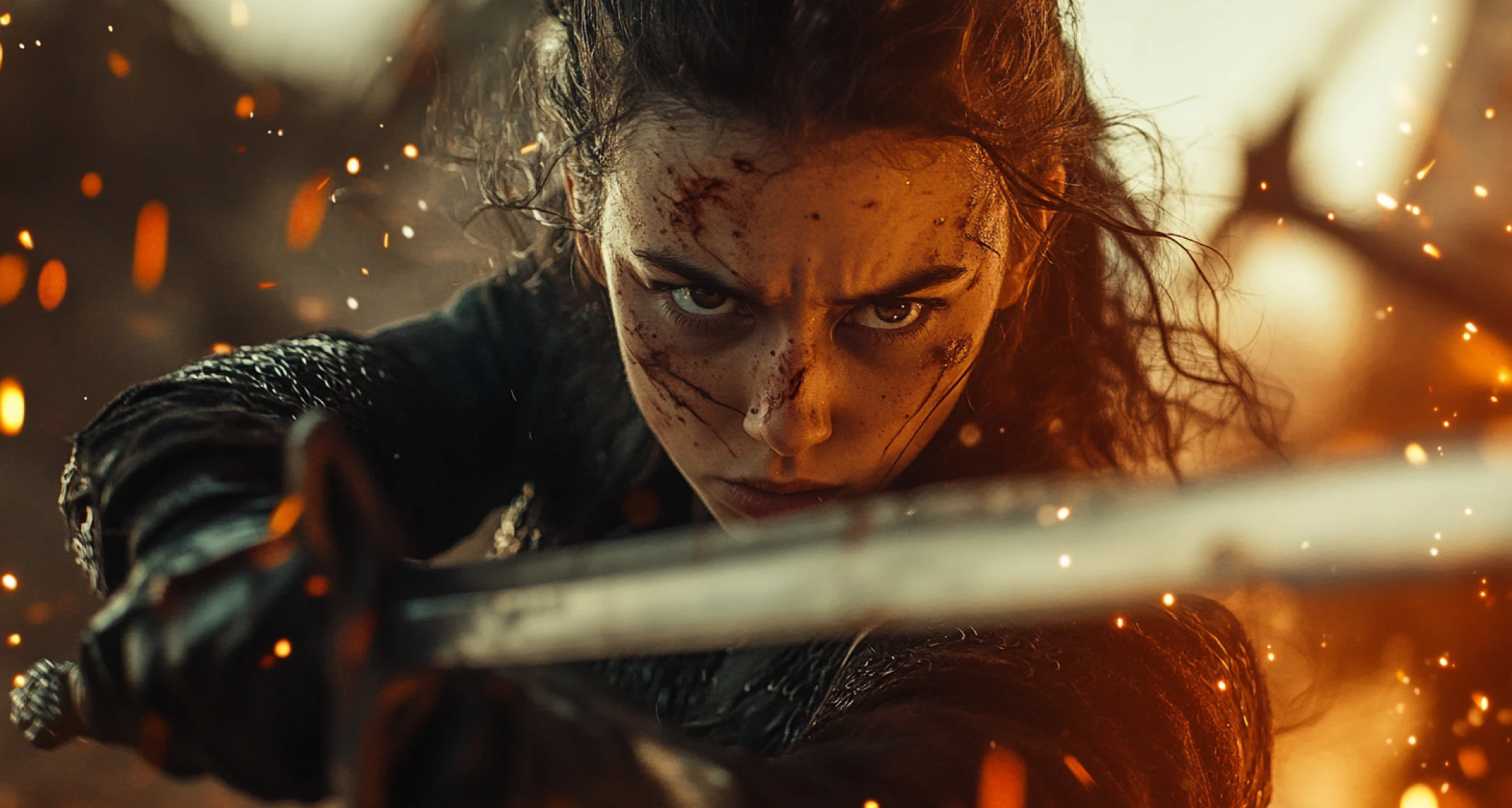
Create Videos in High Definition
On ImagineArt, you can use the Sora 2 AI video generator to create photorealistic visuals that look stunning on both mobile and large screens with up to 1080p resolution – from achieving surrealism of a fantasy to enhancing the cinematic qualities of an action sequence.
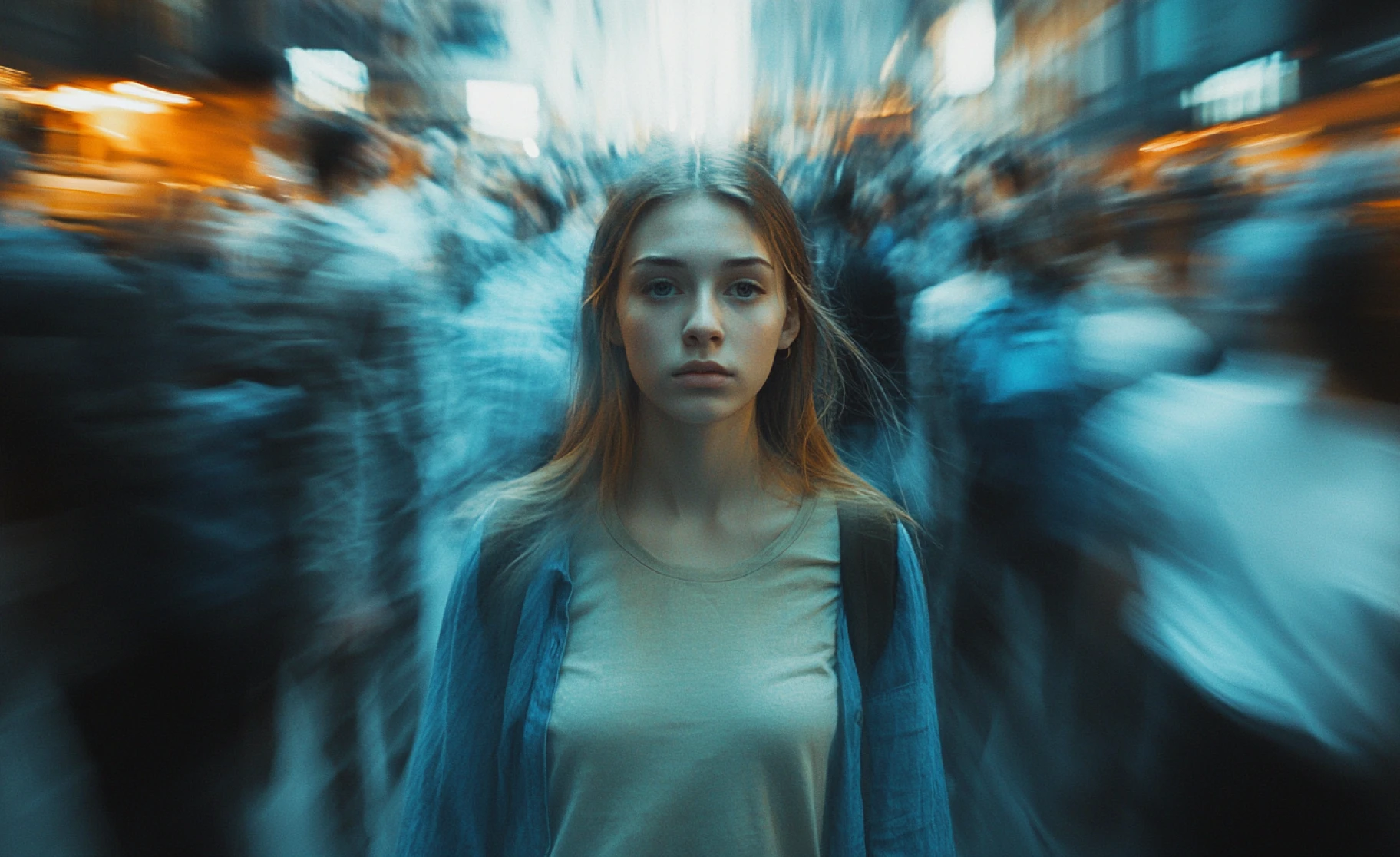
Generate Multi-Format Videos
With ImagineArt, you can create rich videos in different formats using Sora 2. Borderlands Free Grok Image Generator features different AI video models, with a defined set of video length, sizes, and resolutions, including 1:1 (square), 9:16 (vertical), and 16:9 (widescreen).
You might also be interested in
Ready to Generate AI Video to Video?

TechNova
Sora 2 does everything a film crew could do — from fixing lighting, setting ambiance, shifting camera angles — all through a single text prompt. This is unreal.

Ben Harris
Product Manager

Shopify
With Sora 2, I no longer have to worry about adjusting or manually editing any of the product mockup videos. The sound effects are well-integrated, the visuals are crisp, and the video length is ideal. Huge time-saver for me!

Michael Chenn
Product Designer

Pixels
You can create surreal, dream-like worlds, let your imagination free, and witness how accurately Sora 2 will nail realism in every style. This is a modern-day marvel of AI

Anya Petrova
Marketing Designer

ApexStudios
I created a 10-second ad for a product prototype and jotted down the idea randomly. To my surprise, Sora 2 provided extremely great results for early-stage concepting. Genuinely inspiring!

Ravi Patel
Creative Manager

DreamWorks
It doesn’t simply look real — it is real. Sora 2 AI video generator handles camera movements, body motions, pixel-level details, and well-suited audio

Isabelle Kim
Concept Artist
Have questions?
We have answers!
Sora 2 is OpenAI’s advanced AI video generator that creates videos from text or images. It focuses on realistic motion, accurate physics, and synchronized audio so the final result feels natural rather than artificial. It’s designed to make high-quality video creation accessible without technical skills.
Yes, you can try Sora 2 for free on Borderlands Free Grok Image Generator without entering a credit card. The free version lets you generate videos and explore the core features. Paid plans are available if you need higher resolution or access to Sora 2 Pro for the best quality.
Most AI video tools rely on visual shortcuts, which can make motion and timing feel unnatural. Sora 2 is built to understand how the real world behaves, so movement, physics, and interactions stay consistent. It also generates audio automatically and offers features like Cameos that many tools don’t have.
Cameos allows real people to appear inside AI-generated videos. You record a short reference video once, and Sora 2 uses it to maintain your appearance, voice, and mannerisms across scenes. This makes it easy to create personalized or branded video content.
Yes, audio is created at the same time as the visuals. Dialogue, background sound, and effects are generated together and stay in sync with the action on screen. You don’t need to add or edit audio separately after generation.
Each video generation can be up to 60 seconds long. If you need a longer video, you can extend scenes from where they end while keeping the same characters and style. This makes it easier to build longer content without starting over.
Yes, videos created with Sora 2 on Borderlands Free Grok Image Generator can be used for commercial purposes. This includes marketing, client work, advertising, and social media content. You retain the rights to use the videos however you need.
Sora 2 is strong at understanding detailed descriptions written in plain language. You can specify actions, movement, timing, and visual style, and the model follows those instructions reliably. Adding more detail usually results in more precise output.
You can generate videos in multiple resolutions, including 480p, 720p, and 1080p. Higher resolutions provide sharper detail and are better suited for professional or large-screen use. You can choose the quality based on where the video will be published.
Yes, Sora 2 supports a wide range of visual styles. You can create realistic footage, animated scenes, or artistic visuals by simply describing the look you want. The model adapts its output to match the style you specify.
Within a single multi-shot video, Sora 2 keeps characters consistent automatically. For separate generations, you can use reference images or the Cameos feature to maintain the same appearance. This helps ensure continuity across different videos.
The remix feature lets you modify parts of an existing video without regenerating everything. You can adjust scenes, swap characters, change the mood, or continue the story. This makes refining videos faster and more flexible.
Generation time depends on quality settings and video length. Standard Sora 2 videos typically take a few minutes, while Sora 2 Pro takes longer but produces higher-quality results. More complex prompts may also increase generation time slightly.
Yes, you can upload an image and describe how you want it to move. Sora 2 animates the image with motion, camera movement, and audio. This is useful for bringing static visuals or product images to life.