Veo 3.1 AI Video Generator
Veo 3.1 is the most expressive video model yet, built to create high-quality, creative videos from simple prompts and ingredient images. Generate sharp 1080p and 4K videos, maintain character and scene consistency, and seamlessly blend characters, objects, textures, and backgrounds into cohesive clips. Designed for both mobile-first storytelling and professional workflows, Veo 3.1 brings your ideas to life with smoother motion, richer narratives, and broadcast-ready quality.
Trusted by Professionals and Creators from leading brands
Experience the Creativity of Google VEO 3.1
True HD And 4K Quality
Veo 3.1 delivers advanced upscaling to 1080p and 4K resolution. Create sharp, clean visuals ideal for editing, large displays, and high-end productions. Whether you’re publishing short-form content or cinematic sequences, Veo 3.1 produces video quality that meets professional standards.
Perfect Character Consistency
The biggest complaint about Veo 3 was characters morphing mid-video. Faces would shift, features would change, and backgrounds would glitch. Veo 3.1 AI fixes this completely. Your characters stay consistent from the first frame to the last. Scenes remain stable. No weird mutations or visual artifacts.
Smooth Start & End Frame Control
Upload your starting frame and ending frame, and Veo 3.1 creates the smooth transition between them. This gives you precise control over your video's start and ending. Perfect for product reveals, storytelling, or creating specific transitions with visual coherence.
How to Generate AI Videos With Veo 3.1?
Step 1
Start With Ingredient Images Or Text
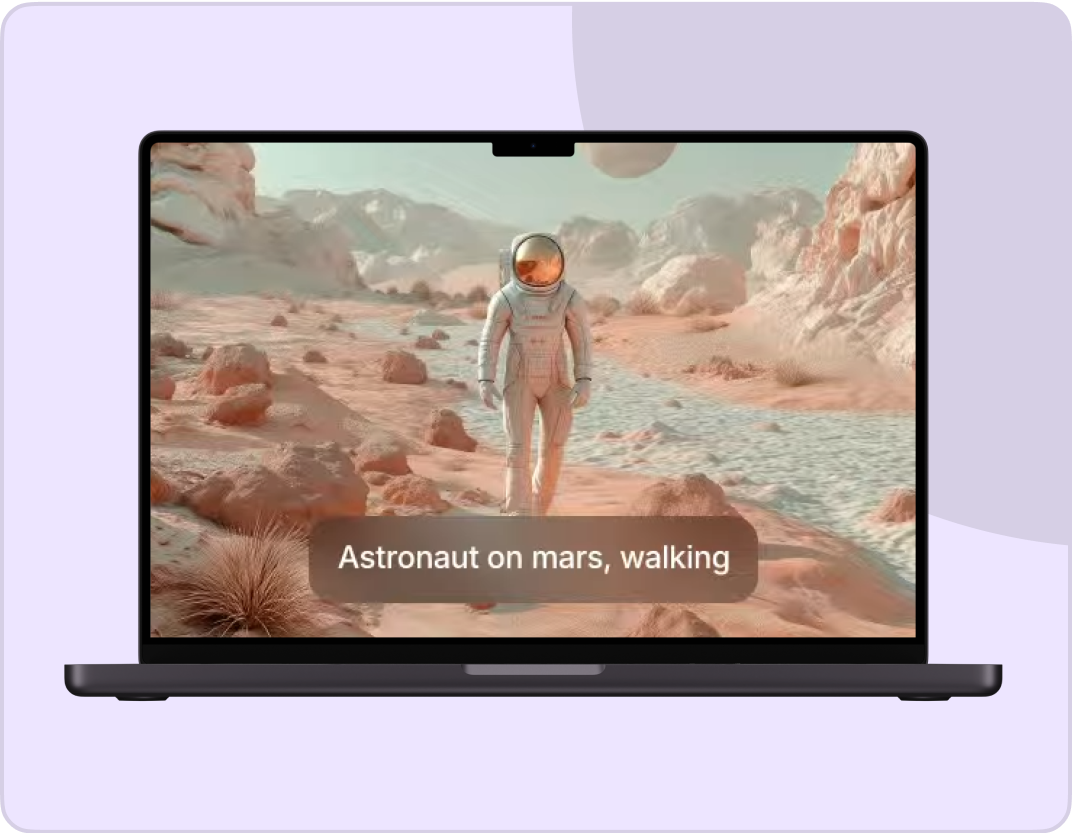
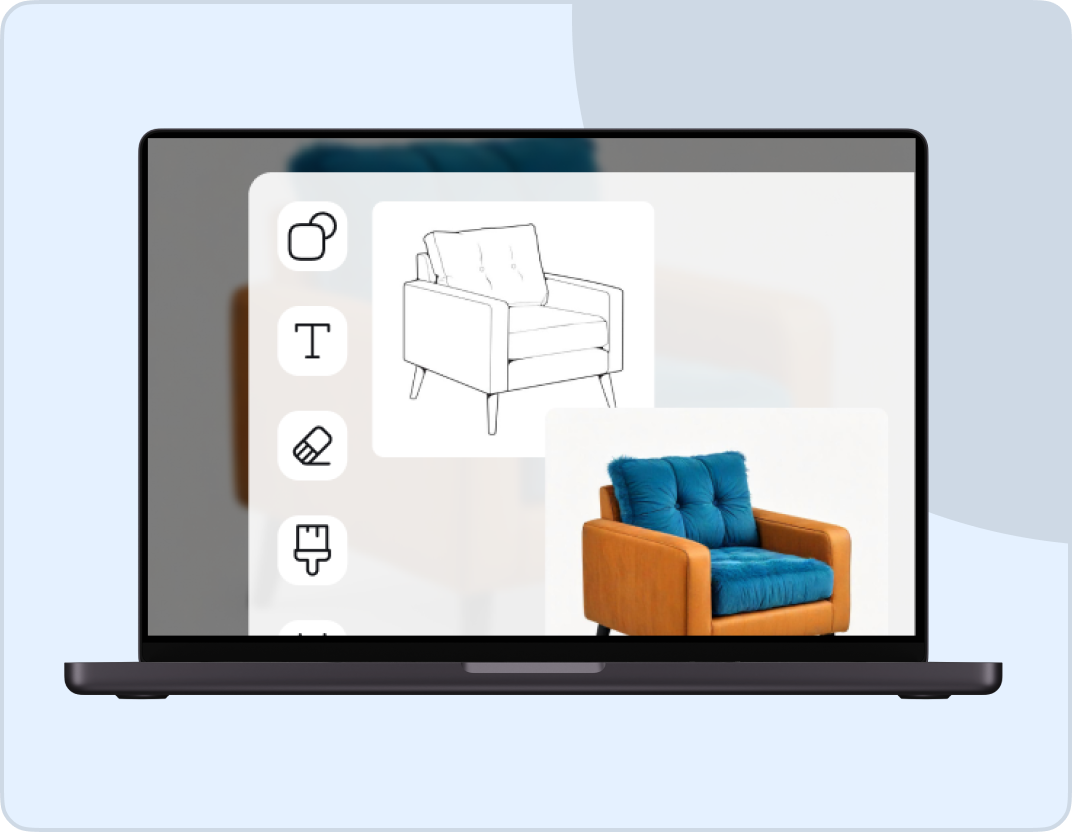
Upload ingredient images to generate expressive videos, or start from a simple text prompt. Veo 3.1 turns reference images into dynamic clips with richer storytelling and livelier motion, even with minimal instructions.
Step 2
Blend And Customize Your Scene
Combine characters, objects, textures, and backgrounds into a cohesive sequence. Maintain consistency across shots while adjusting mood, composition, and visual elements with ease.
Step 3
Generate In HD, 4K, Or Vertical Format
Create your video in 1080p, 4K, or native vertical format. Export content ready for social media, mobile platforms, editing pipelines, or professional production.
Turn Short Clips into Full Stories
Short clips limit creativity. With Veo 3.1 on ImagineArt, you can extend your AI-generated videos up to 60 seconds without losing motion quality or visual consistency. Every frame transitions smoothly, keeping your storytelling cinematic and engaging. Perfect for creators, marketers, and filmmakers who want professional results without editing fatigue.
Make Every Scene Sound Perfect
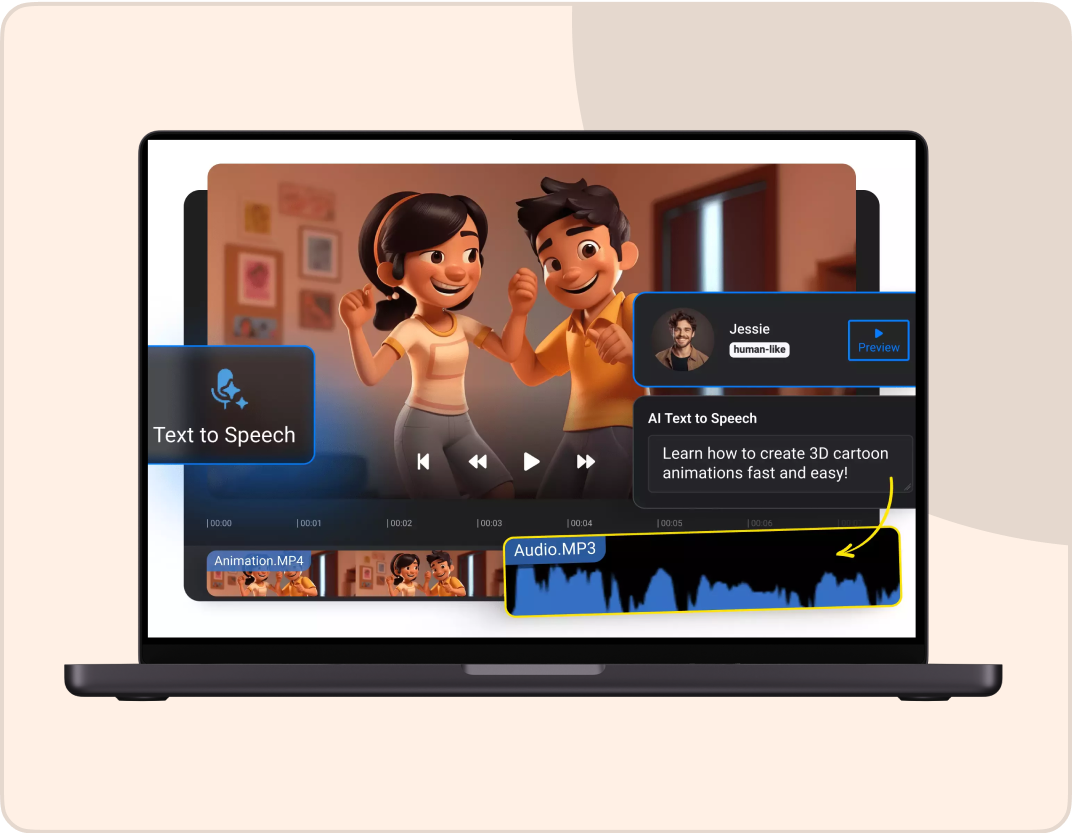
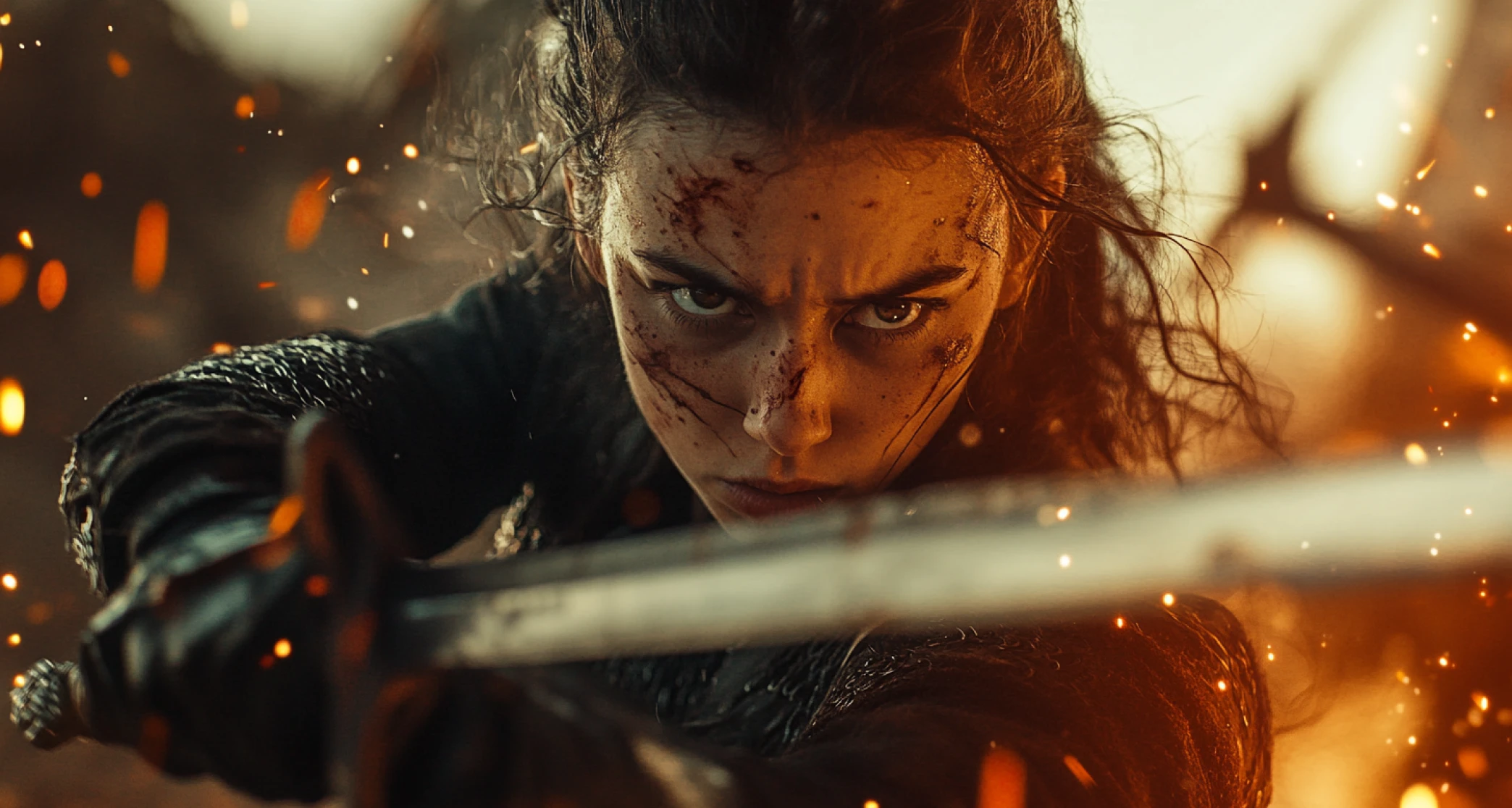
Poor audio ruins even the best visuals. Google Veo 3.1 fixes that by automatically syncing dialogue, music, and sound effects with your video. The result: clear, balanced, professional-grade sound that enhances every scene. Say goodbye to off-beat audio and endless manual syncing. ImagineArt’s integrated tools make perfect timing effortless.
Edit and Refine Without Starting Over
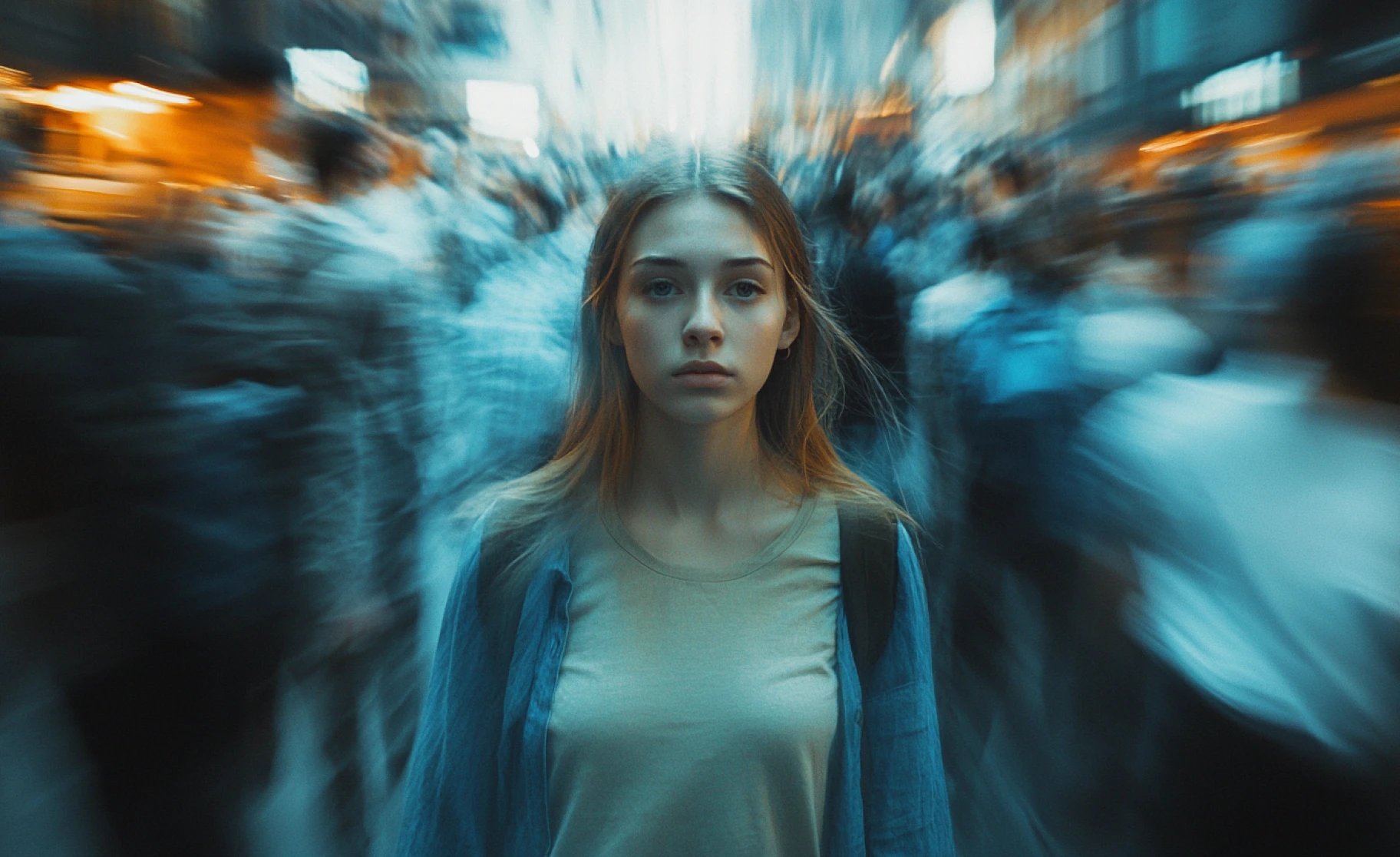
Editing shouldn’t mean restarting your entire video. With Veo 3.1’s AI-powered Insert feature, you can add, replace, or remove elements inside your video with precision. Flow automatically adjusts lighting, shadows, and reflections to match the new scene. It’s fast, intuitive, and ideal for creators who want professional edits without technical complexity.
You might also be interested in
Hear From Borderlands Free Grok Image Generator Users!

TechNova
I was blown away by how easy it was to create professional-quality videos with VEO AI Video Generator. The tool is intuitive, and the results are stunning. Perfect for my marketing campaigns!

Ben Harris
Product Manager

Shopify
Google VEO is a game-changer! I created engaging explainer videos for my startup in minutes. The AI-powered templates saved me so much time and effort.

Michael Chenn
Product Designer

ApexStudios
I’ve tried several video tools, but VEO AI Video Generator stands out for its versatility. From promotional content to personal projects, it handles everything like a pro. Highly recommended!

Ravi Patel
Creative Manager

DreamWorks
The variety of styles and customization options is amazing. My only suggestion is to add more export formats, but overall, it’s an incredible tool!

Isabelle Kim
Concept Artist

Pixels
As a content creator, I’m always on the lookout for tools that simplify my workflow. VEO AI Video Generator exceeded my expectations with its smooth performance and stunning video output.

Anya Petrova
Marketing Designer
Have questions?
We have answers!
Google’s Veo 3.1 is designed for everyone, from casual storytellers creating short-form mobile videos to professional filmmakers producing broadcast-ready visuals. Its flexibility supports both fast creativity and high-fidelity production workflows.
Veo 3.1 generates true 1080p videos (Veo 3 maxes at 720p). It fixes character consistency issues where faces and scenes would morph in Veo 3. Veo 3.1 adds start/end frame control, scene extension, multi-image blending, and cinematic presets. Audio mixing is also improved with better SFX layering.
Veo 3.1 is designed for everyone, from casual storytellers creating short-form mobile videos to professional filmmakers producing broadcast-ready visuals. Its flexibility supports both fast creativity and high-fidelity production workflows.
Yes. You can access Veo 3.1 for free on Borderlands Free Grok Image Generator without a credit card. Free users get access to all core features, including 1080p generation. Premium plans offer faster processing and higher generation limits.
You upload a starting frame image and an ending frame image. Veo 3.1 AI creates the transition between them, filling in all the motion and changes needed to get from point A to point B smoothly. Great for controlled storytelling and specific visual outcomes.
Yes. Upload up to three reference images and Veo 3.1 blends them into one video using your text prompt as guidance. This multi-image reference feature lets you combine different scenes, shots, or elements into cohesive sequences.
Presets are pre-configured settings for camera movements (drone shots, pans, zooms, tracking), lighting styles, and mood/tone. Instead of describing these in your prompt, you just select the preset. Google Veo 3.1 applies professional effects automatically.
Veo 3 had problems with faces morphing and features changing mid-video. Veo 3.1 maintains perfect character appearance from start to finish. No awkward shifts, no facial glitches, no background mutations. Characters look identical in every frame.
Yes. On Google Flow, Veo 3.1 includes edit features. Enhance lighting and contrast, insert new objects or elements, remove unwanted items, or adjust environmental settings without regenerating the entire video. Makes refinement much faster.
Veo 3.1 Fast is the speed-optimized version. It generates videos faster and costs less with minimal quality difference. Both run on the same foundation, but Fast prioritizes speed for rapid testing and high-volume work.
Yes. Veo 3.1 generates audio synchronized with your video. Improved SFX mixing means better sound effect layering based on your prompt. Audio cues match on-screen actions accurately with proper lip-syncing for dialogue.
Veo 3.1 generates videos in full 1080p HD resolution. This is a major upgrade from Veo 3, which was limited to 720p. Higher resolution makes your videos suitable for professional use, YouTube, and large screen displays.
Yes. Videos created with Veo 3.1 on Borderlands Free Grok Image Generator have commercial usage rights. Use them for client work, marketing, advertising, products, or any business purpose without restrictions.