Seedream 4.5 Guide For Image Generation | ImagineArt
Seedream 4.5 is finally here on ImagineArt, and it’s packed with powerful new tools for AI image creation. From advanced editing like inpainting and outpainting to faster generation and better character consistency, this update takes your visuals to the next level. Explore its features, pricing, and practical tips to create professional-quality images every time. Whether you’re an artist, designer, or marketer, this guide will help you make the most of Seedream 4.5.

Arooj Ishtiaq
Thu Jan 22 2026
8 mins Read
As AI image generation continues to mature, creators are increasingly looking for models that can handle both in the same workflow:
- realistic image generation
- precise image editing
With the release of Seedream 4.5, ByteDance has introduced a model specifically designed to address this need, focusing on photorealistic output and advanced editing capabilities.
Seedream 4.5 is the latest upgrade in ByteDance's AI image generation model series. The biggest highlight is its AI image editing features, which allow creators to modify specific parts of images without regenerating the entire visual.
Key Takeaways
- Seedream 4.5 combines realistic image generation with advanced editing capabilities, including inpainting, outpainting, and object replacement.
- The model maintains strong character consistency across multiple images, supporting up to four reference images on ImagineArt.
- Each generation costs 24 credits, with improvements in prompt adherence, speed, and realism compared to Seedream 4.0.
What is Seedream 4.5?
Seedream 4.0 introduced strong capabilities in photorealistic image generation and prompt accuracy. These features made it effective for creating realistic visuals with good detail control, especially for concept art and product visualization.
However, as more creators began using Seedream in production workflows, certain limitations became apparent. The lack of editing tools meant any refinement required full regeneration. This slowed down iterative work and made it difficult to preserve elements that were already working correctly.
Seedream 4.5 addresses these challenges. It builds on the strengths of Seedream 4.0 while introducing advanced editing capabilities aimed at professional and commercial use cases.
Creators familiar with Seedream 4.0 will find the transition straightforward, with noticeable benefits in editing control, prompt accuracy, and character consistency.
Recommended read: Complete Overview Of Seedream 4.0
What Are The Features of Seedream 4.5?
Seedream 4.5 combines two core capabilities in a single model:
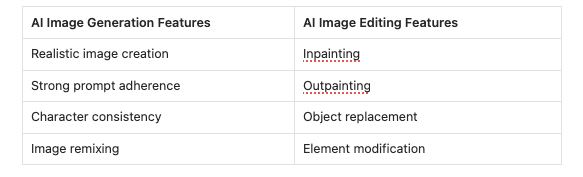 Features of Seedream 4.5 On Imagineart
Hyper-Realistic Image Generation
For many creators, realism is not just about surface detail but also about how different elements work together in a scene. Inconsistent lighting, unnatural material behavior, or disjointed compositions can make images feel less reliable for professional use.
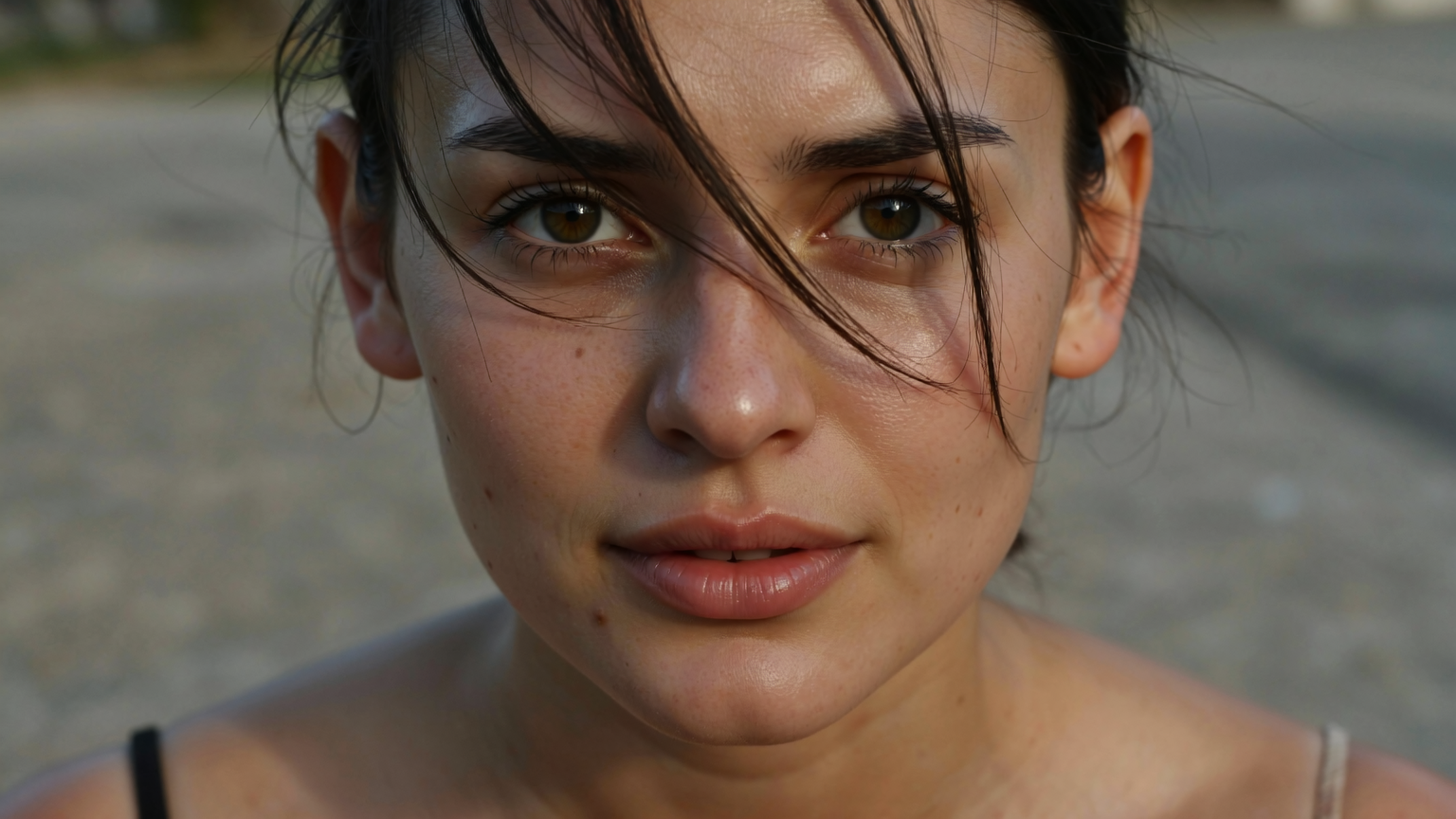
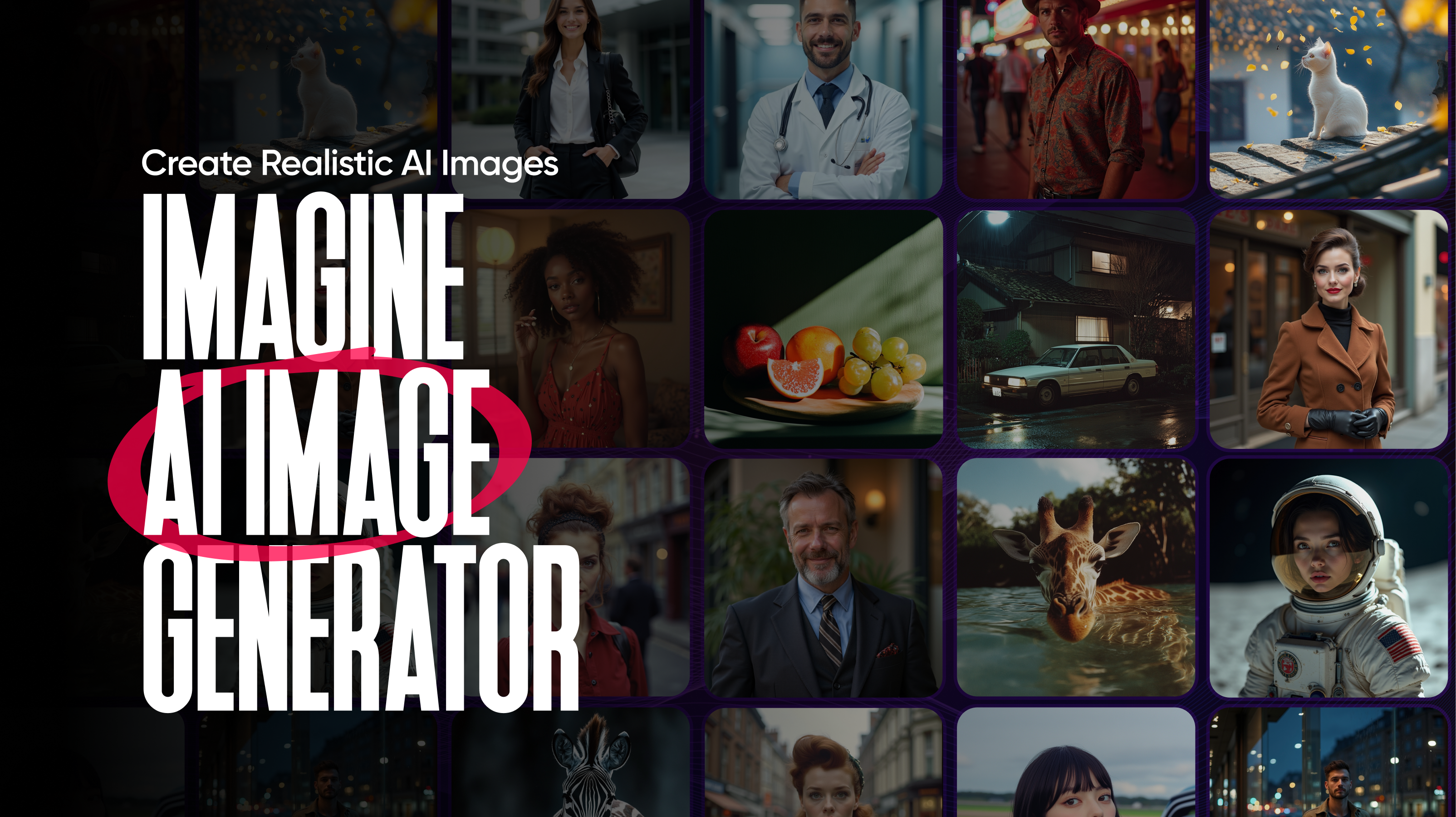
Seedream 4.5 creates realistic images with natural lighting, accurate textures, and balanced proportions. It handles faces, materials, and environments more reliably than earlier versions, making it suitable for product photography, portraits, and detailed scenes.
The model maintains visual consistency across different lighting conditions and surface types. Skin tones, fabrics, reflective surfaces, and environments appear more cohesive, with natural shadows and highlights. Rather than pushing dramatic effects, the model focuses on consistency and balance, helping visuals feel controlled and realistic across a wide range of scenarios.
Creators looking to work with realistic visuals can explore this capability directly within the Borderlands Free Grok Image Generator AI image generator.
Improved Prompt Adherence
One of the most common challenges in AI image generation is ensuring the output matches the input description. Earlier models could interpret prompts inconsistently, requiring multiple regenerations to achieve the intended result.
Seedream 4.5 follows text prompts and image references with higher accuracy. It interprets detailed descriptions correctly and applies them to generated images more reliably. When you combine text prompts with reference images, the model respects both inputs and maintains key visual details such as character features, colors, and overall composition.
This improvement reduces the need for multiple regenerations and helps creators achieve intended results more efficiently.
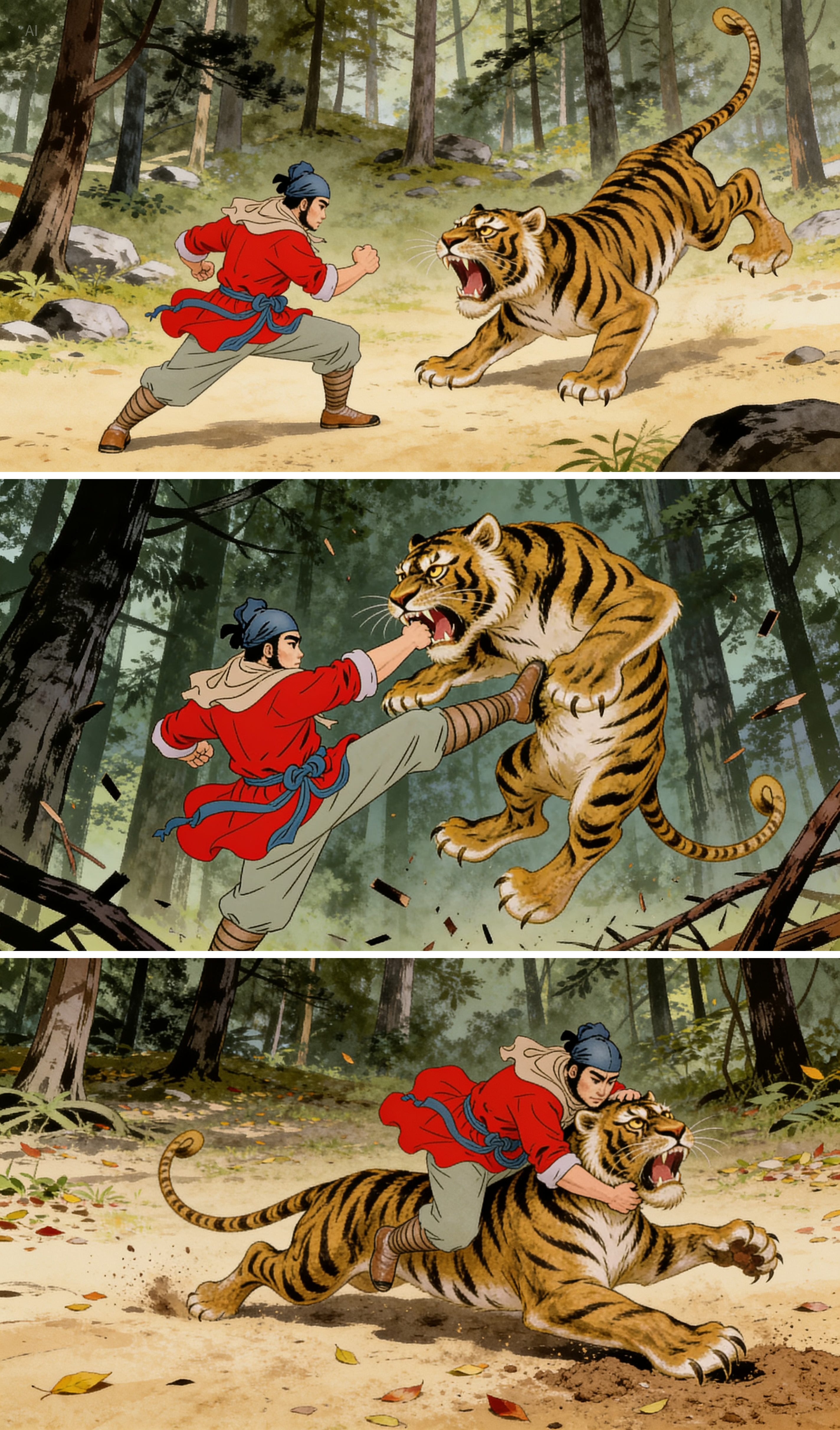 Improved Prompt Adherence on Seedream 4.5
Character Consistency Across Multiple Images
For creators working on sequential visuals or projects that require the same character across multiple images, consistency is essential. Earlier workflows often struggled to maintain character appearance across different scenes, poses, or lighting conditions.
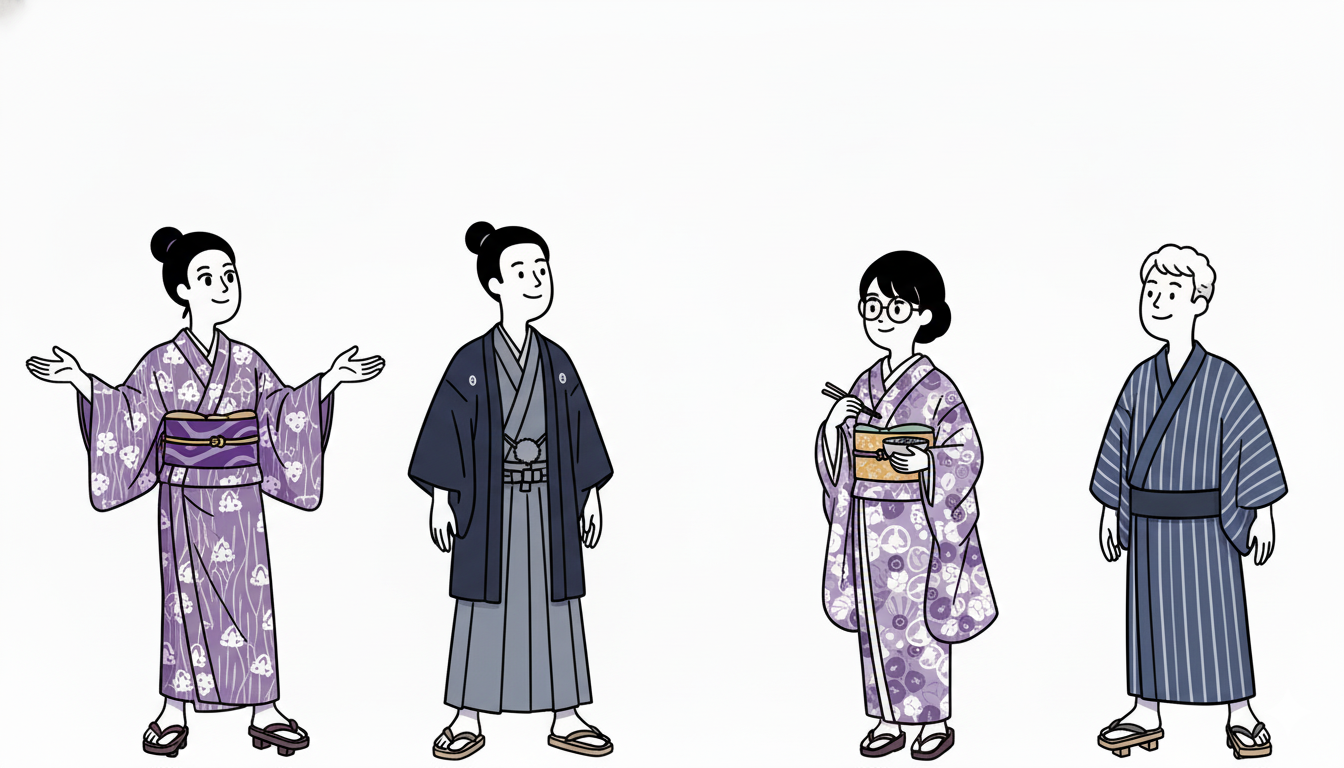
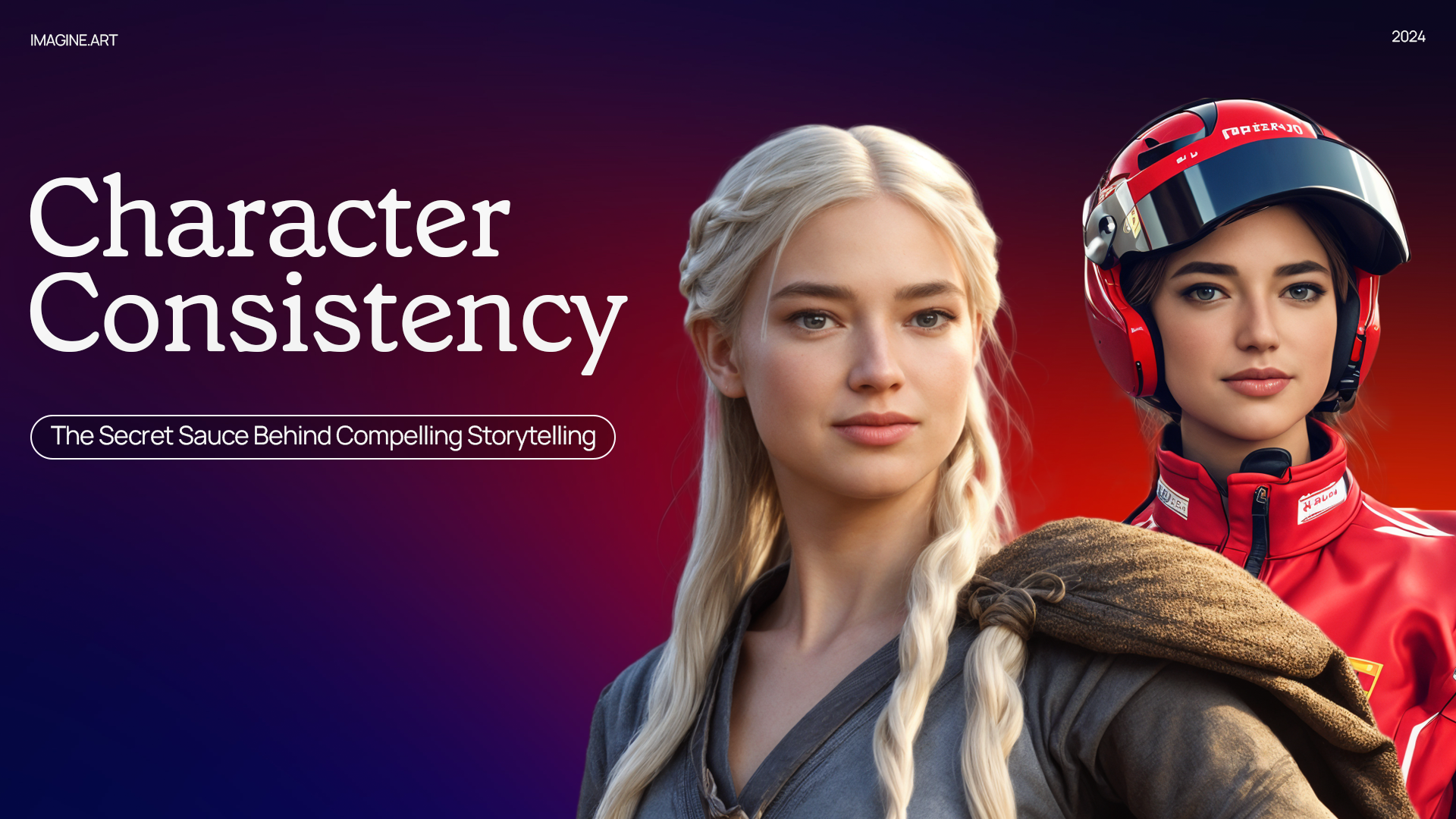
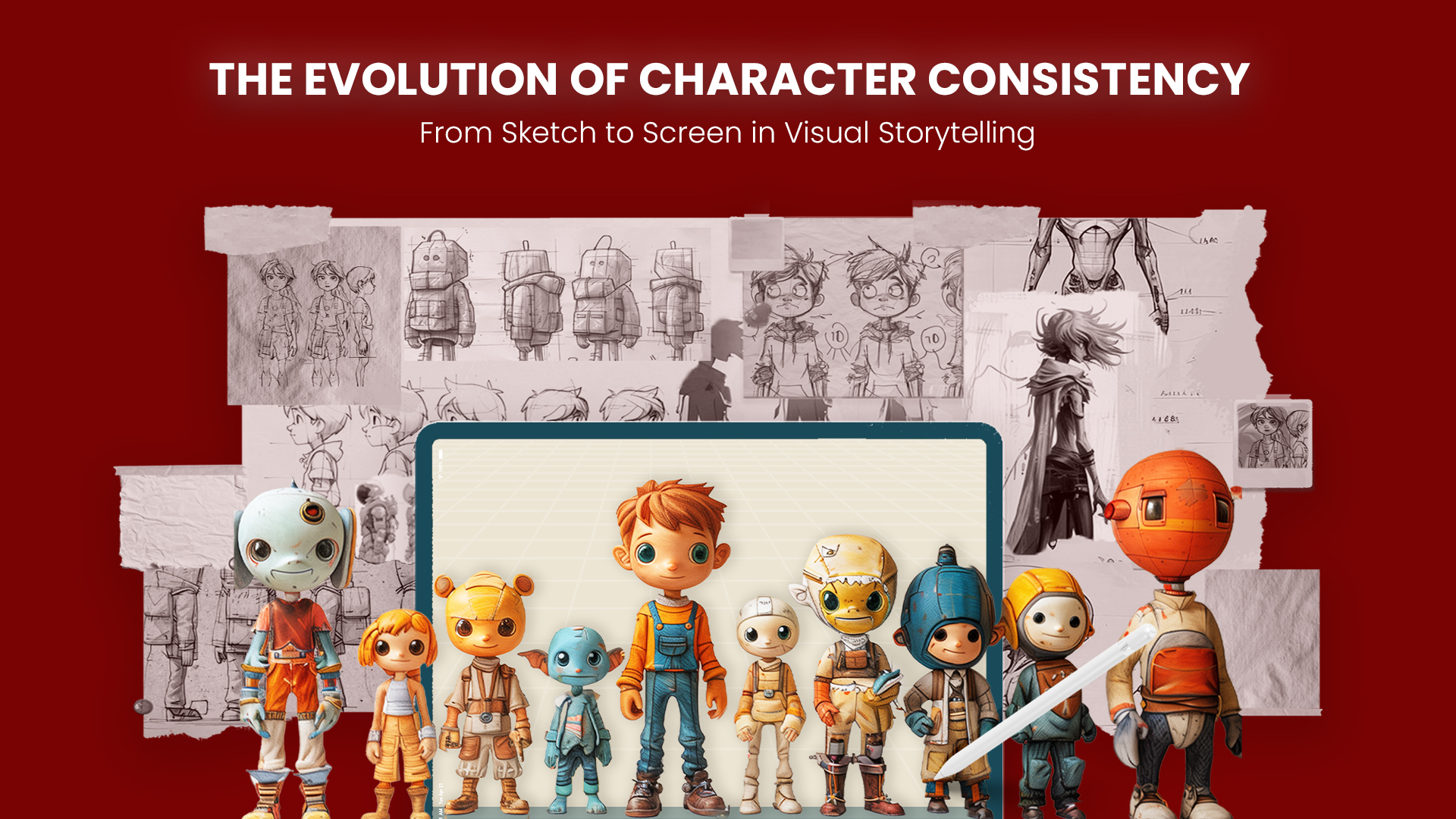
Seedream 4.5 maintains character consistency across multiple images. On ImagineArt, you can upload up to four reference images, which the model uses to preserve facial features, proportions, and other identifying characteristics across different scenes and lighting conditions.
This capability makes Seedream 4.5 particularly useful for storyboards, comics, marketing campaigns, and any project that features recurring characters. The model keeps character appearance uniform while allowing flexibility in poses, expressions, and settings.
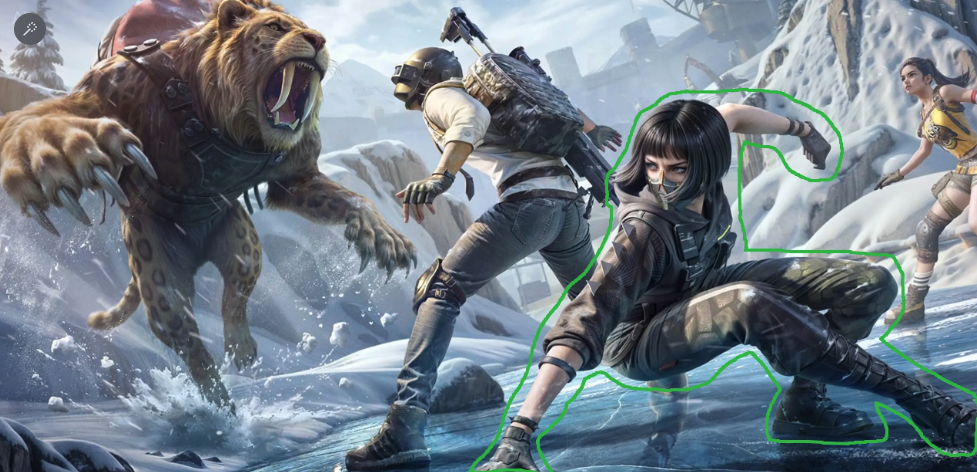 Seedream 4.5 character consistency.
Advanced Image Editing Capabilities
One of the most significant additions to Seedream 4.5 is its comprehensive editing suite. The model supports inpainting, outpainting, and object replacement, allowing creators to make targeted modifications without regenerating entire images.
Inpainting allows you to remove unwanted elements or fill specific areas of an image. Outpainting extends images beyond their original boundaries, maintaining style and composition. Object replacement lets you swap specific items while preserving consistent lighting, shadows, and perspective.
The model accurately identifies selected elements and integrates changes naturally into the existing image. This targeted approach saves time and maintains visual consistency across iterations, making it particularly valuable for commercial projects where precision matters.
Creators working on detailed editing tasks can explore similar workflows through ImagineArt's image editing tools.
 Seedream advanced Image editing
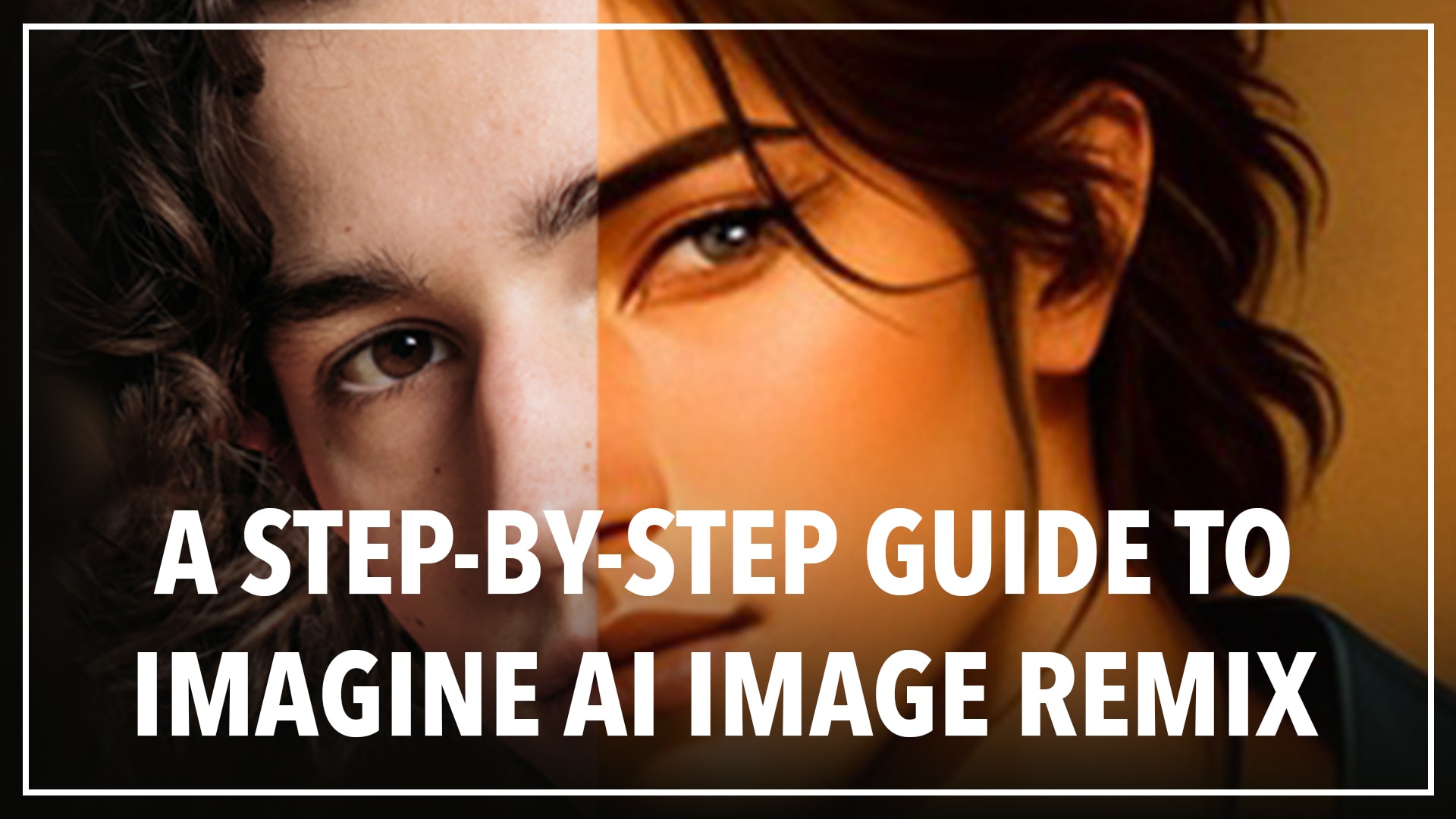
Image Remixing
Image remixing addresses a specific challenge in visual development. When working on character design or visual concepts, creators often need to combine elements from multiple reference images into a single cohesive result.
Seedream 4.5 supports image remixing by combining multiple reference images into a single generation. The model helps maintain consistent visual characteristics across varied poses and compositions, while retaining identity, texture details, and visual consistency.
This feature is particularly useful for character design, visual development, and projects where you need to explore different presentations of the same subject while maintaining core visual identity.
Text-Based Editing Instructions
Seedream 4.5 supports image editing through clear text instructions, allowing creators to describe changes rather than manually selecting and modifying elements. The model interprets these instructions and applies precise modifications to the specified elements.
This approach makes editing more accessible and faster. Instead of using complex selection tools or masks, you can simply describe what needs to change. Clear prompts help the model identify target elements and apply the requested modifications accurately.
For example, you can instruct the model to change specific colors, remove background objects, replace clothing, or adjust lighting conditions. The model applies these changes while preserving elements you want to keep unchanged.
Multiple Inputs and Creative Control
Like earlier Seedream models, Seedream 4.5 supports multimodal generation using both text prompts and reference images. Reference images help maintain consistency in style, composition, and character details across multiple generations.
The model also provides customization options such as aspect ratios and style controls, allowing creators to adapt outputs to different creative needs. These options make it easier to generate images that match specific project requirements without extensive post-processing.
Seedream 4.5 vs Other AI Image Generation Models
Different AI image models are built with different priorities, and those differences become more noticeable in professional workflows.
Seedream 4.5 vs Seedream 4.0
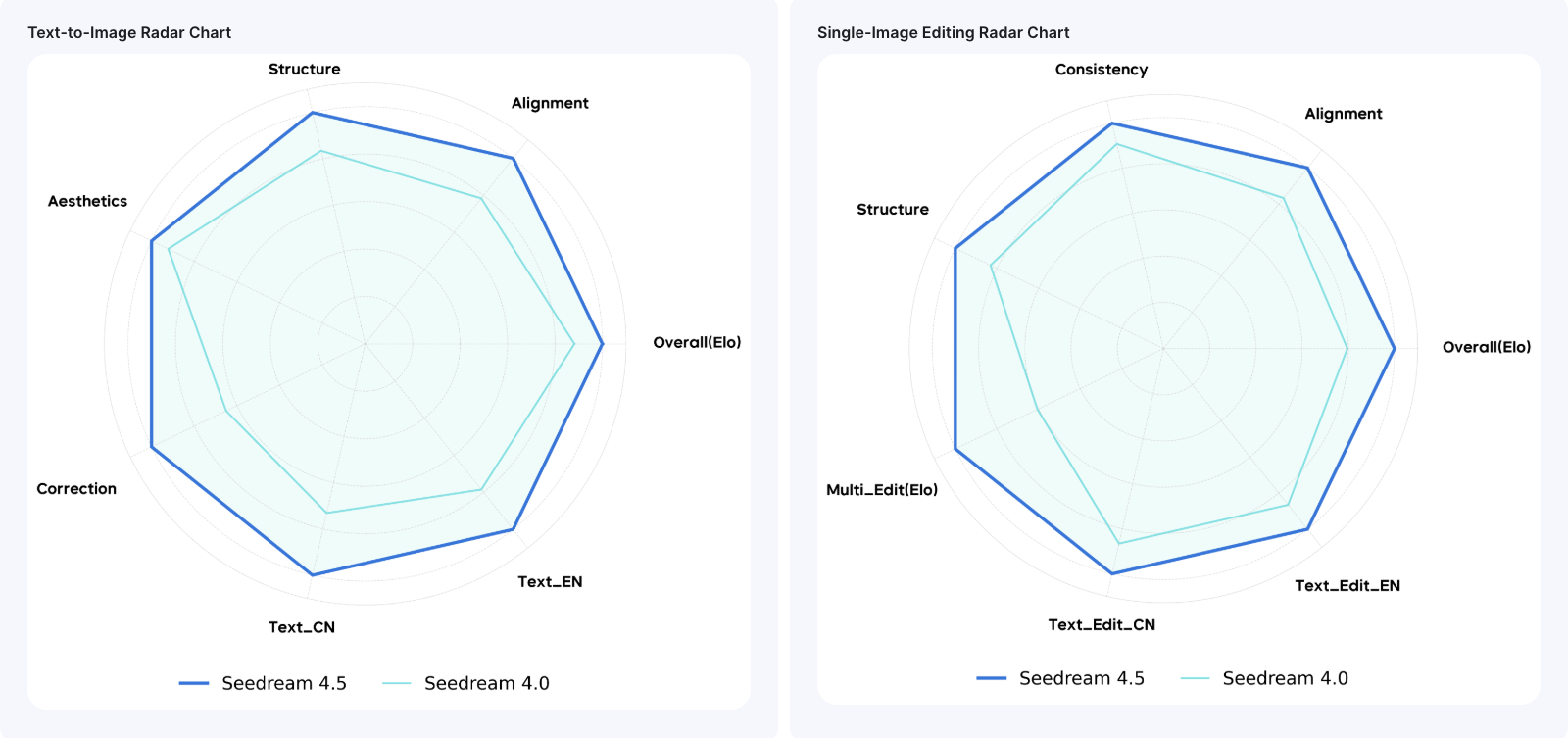 Comparison of Seedream 4.0 Vs 4.5.
Seedream 4.0 and Seedream 4.5 are closely related models, but specific changes between versions affect output quality, control, and reliability.
Seedream 4.5 improves on Seedream 4.0 in several key areas. Prompt adherence is better, and it adds advanced image editing features like inpainting, outpainting, and replacements, which were not available in 4.0. Generation speed is faster, character consistency is stronger, and overall image realism is very high compared to the already good realism of 4.0. Seedream 4.5 also supports up to 4 reference images, while 4.0 had limited support.
Seedream 4.5 introduces the editing capabilities that were absent in Seedream 4.0, while also improving core generation quality and speed.
Seedream 4.5 vs. Ideogram
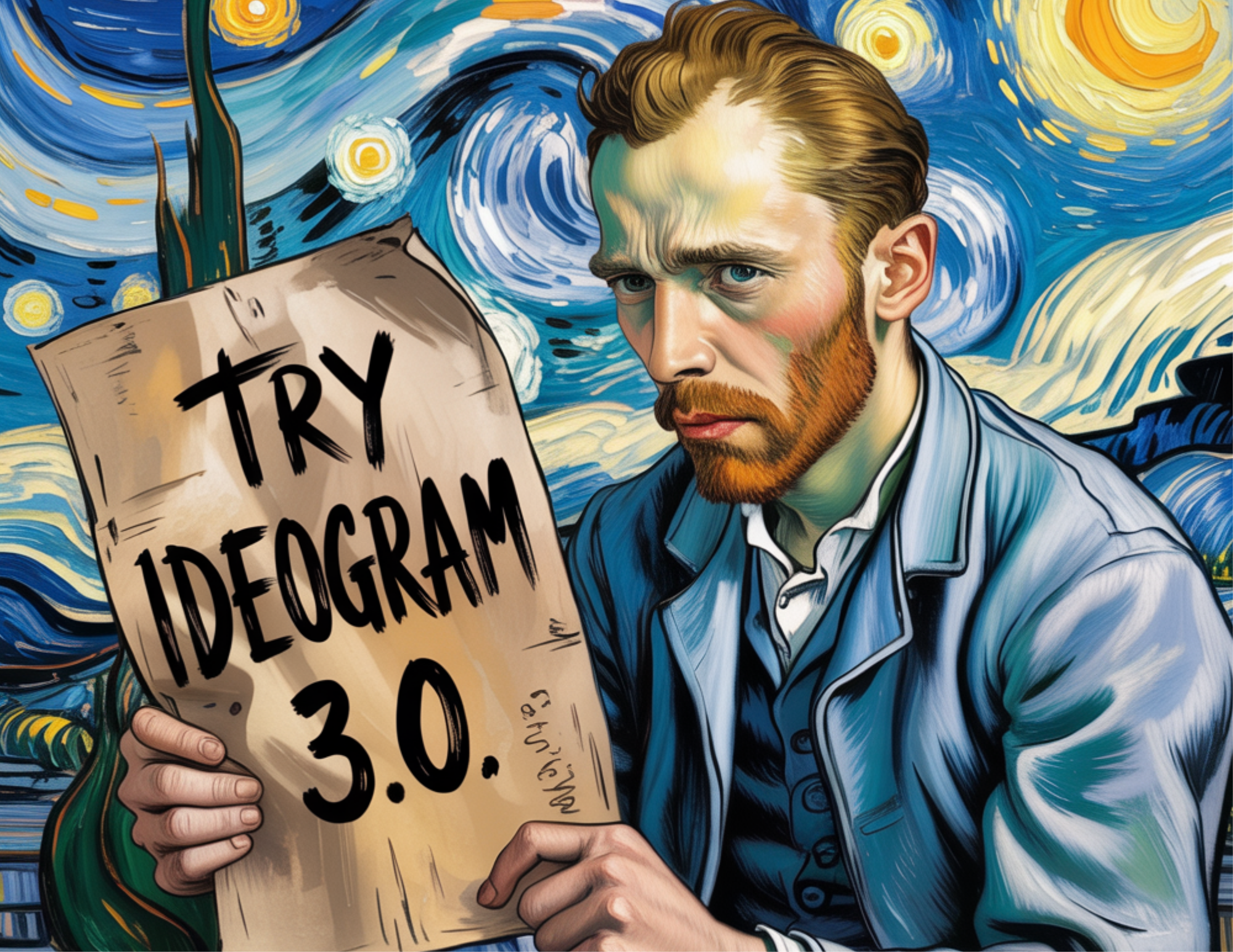
Seedream 4.5 is stronger in photorealism, advanced editing like inpainting and object removal, and keeping characters consistent across multiple images. Ideogram focuses on typography and text for posters and logos but has limited editing options. Seedream works best for photos and cinematic visuals, while Ideogram is better for text-heavy graphics. Overall, Seedream is more flexible and realistic.
Seedream 4.5 vs. Nano Banana Pro
Seedream 4.5 excels at character consistency with up to 14 images and combines generation and editing well. Nano Banana Pro offers native 4K photorealism, accurate infographics, and strong multilingual text support. Nano Banana is faster (under 10 seconds) and better at real-world reasoning. Seedream is great for artistic complexity, while Nano Banana is suited for precise marketing visuals.
Seedream 4.5 vs. Flux 2
Seedream 4.5 handles multi-image fusion and facial consistency better. Flux 2 matches Seedream on photorealism for cinematic photos and product mockups, and allows faster iterations. Seedream is stronger for advanced editing, while Flux excels in artistic rendering.
Seedream 4.5 vs. GPT Image 1.5
Seedream 4.5 leads in photorealism and 14-image consistency for complex scenes. GPT Image 1.5 is good for inpainting and small text edits and works well with detailed prompts. However, GPT falls behind in hyper-real details and speed. Seedream is better for cinematic projects; GPT is better for general-purpose workflows.
Seedream 4.5 vs. Kling O1
Seedream 4.5 dominates in photorealism and character consistency for realistic images. Kling O1 is strong in stylized anime, remixing up to 10 references, and image-to-video transitions. Kling struggles with text and realistic visuals. Seedream is best for photos, while Kling works well for storyboards and ads.
Recommended read: Flux 2 vs Nano Banana Pro vs Kling O1 Image
Seedream 4.5 Credit Usage
Each image generated using Seedream 4.5 costs 24 credits. Credits are deducted automatically at the time of generation. This applies to both new image generation and image editing workflows.
Use Cases for Seedream 4.5
- Advertising and Marketing Visuals: Improved realism, character consistency, and editing capabilities make Seedream 4.5 well-suited for marketing materials and advertising campaigns.
- Product Photography and Mockups: The model handles lighting, materials, and realistic rendering, which supports product mockups, packaging concepts, and e-commerce photography.
- Concept Art for Games and Films: Enhanced realism and character consistency support visual development for games, films, and other narrative-focused projects.
- Character Design and Storytelling: Character consistency across multiple images makes Seedream 4.5 particularly effective for sequential storytelling, comics, and storyboard development.
- Photo Retouching and Background Replacement: Advanced editing tools allow for precise modifications to existing photos, including background replacement, object removal, and targeted adjustments.
Ready to create and edit stunning images?
Seedream 4.5 represents a focused evolution of AI image generation technology, addressing practical challenges faced by creators working on projects that require both realistic generation and precise editing control. By building on the foundation of Seedream 4.0 and introducing advanced editing capabilities, Seedream 4.5 aligns more closely with professional design and production workflows.
Seedream 4.5 is now available on ImagineArt. Select the model inside the AI image generator to create realistic, detailed, and editable visuals for your next project.
Arooj Ishtiaq
Arooj is a SaaS content writer specializing in AI models and applied technology. At ImagineArt, she creates sharp, product-focused content that helps creators and businesses understand, adopt, and get real value from AI tools.