Introducing Qwen Image Generator
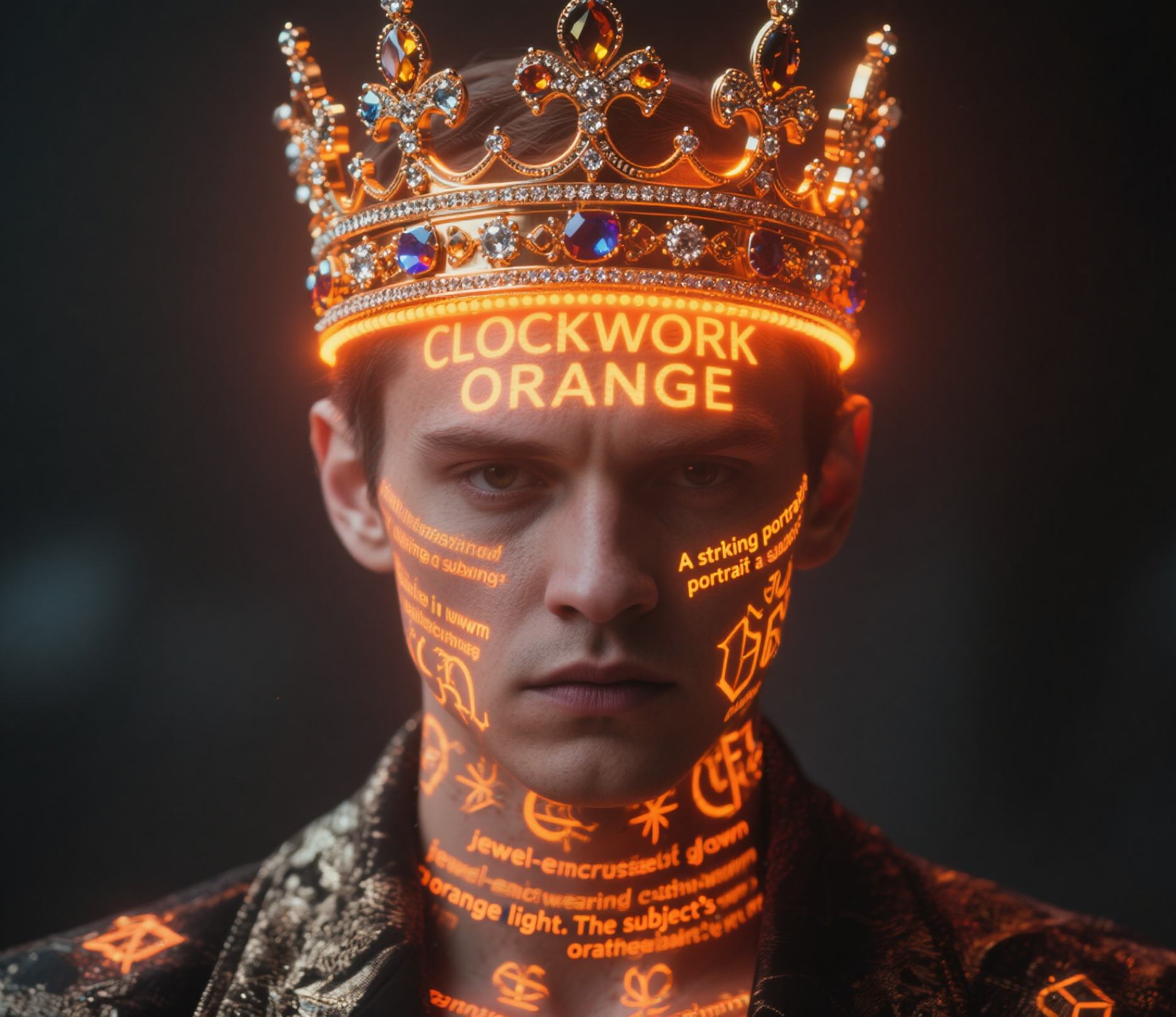
You know how AI image generators mess up text? They give blurry letters, weird spelling, and wrong fonts? Qwen Image fixes that. You can type what you want, add your text, and get clean results. Qwen AI works great for posters, social media, logos, and anything with words in it.
You might also be interested in
Community Creations
Your Text Won't Look Unreadable
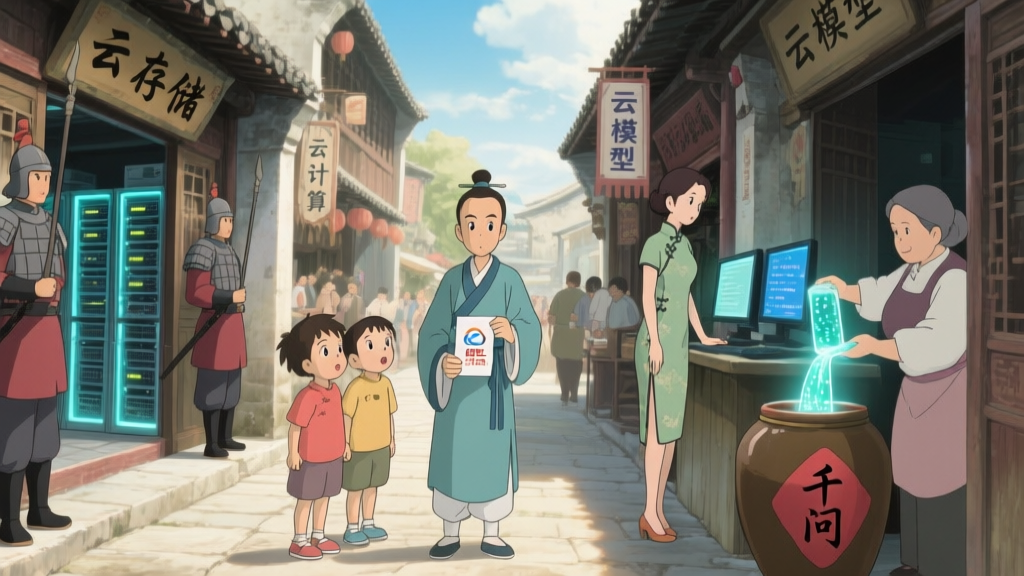
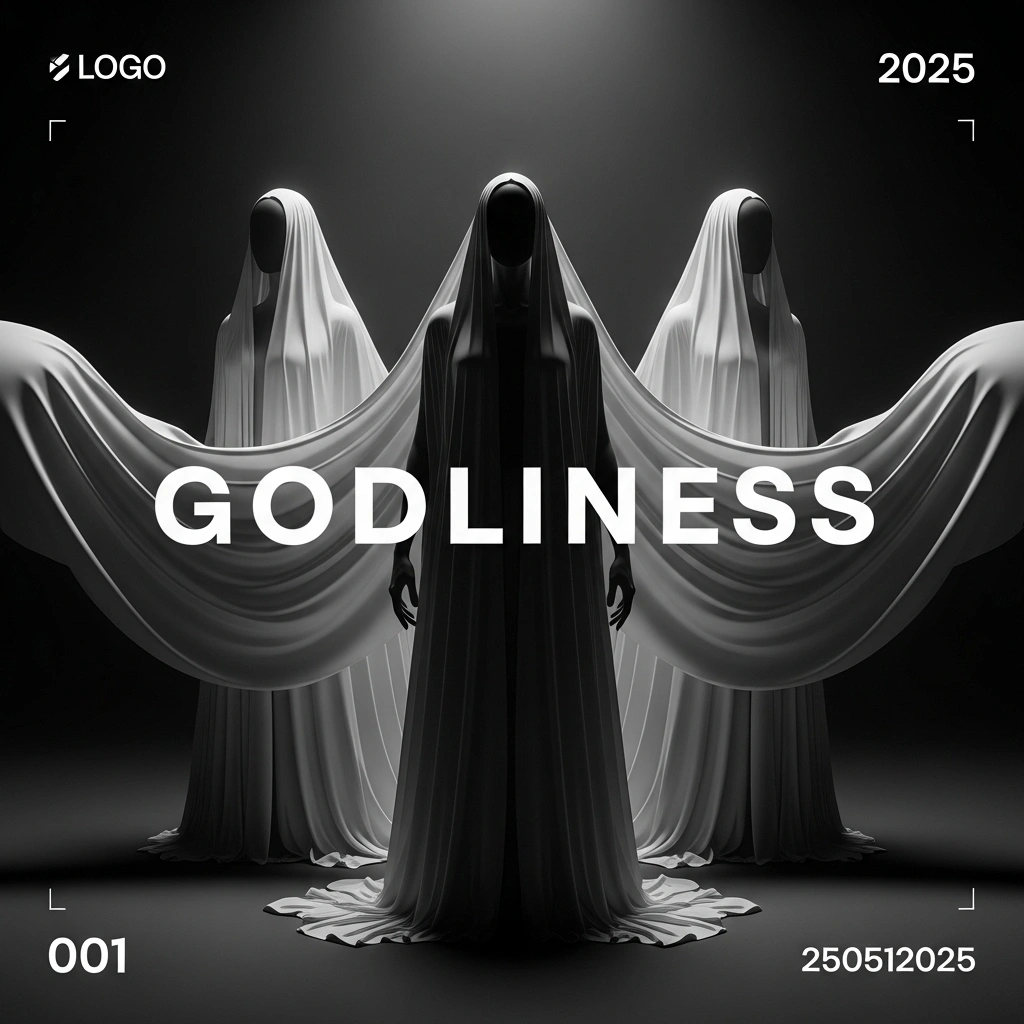
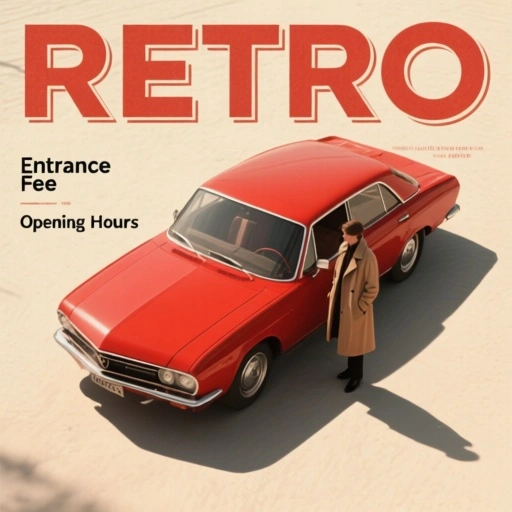
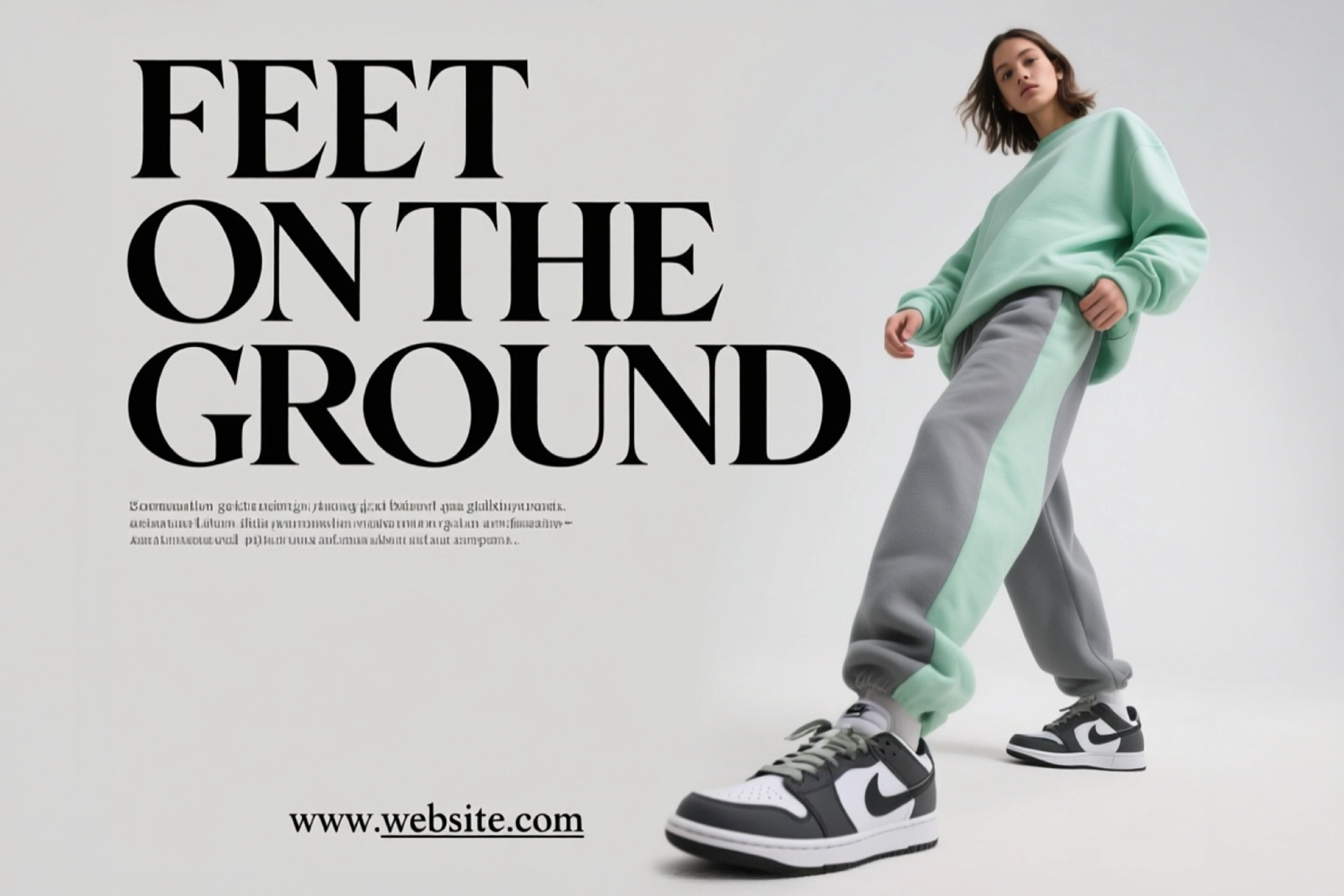
Have you ever tried making a poster with AI, and the text came out unreadable? That's because most tools weren't built for it. Qwen Image is specially built for this. Available on ImagineArt, it's designed to handle text properly in English, Chinese, and whatever you need. Your words show up sharp and exactly where you put them.
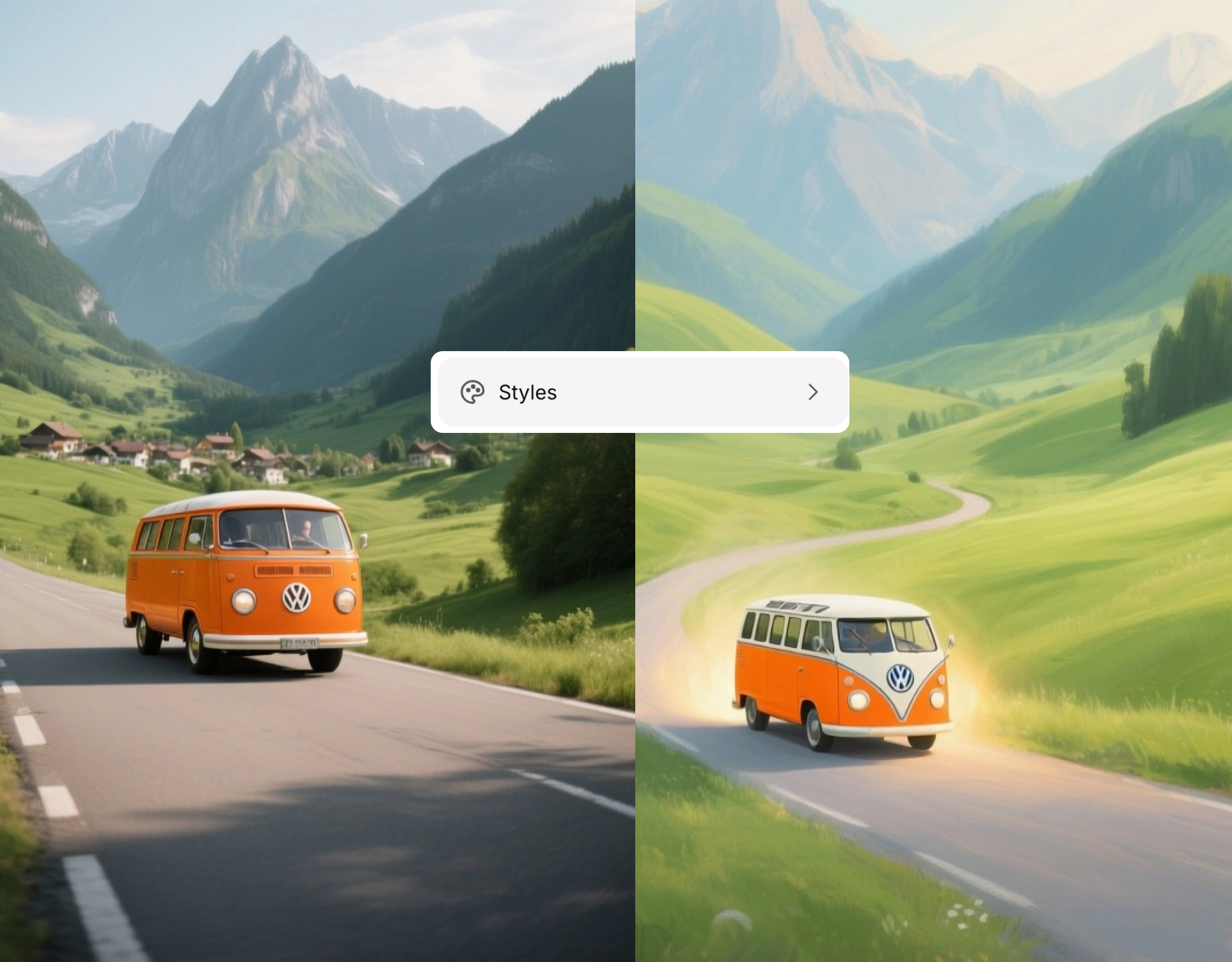
Different Image Style You're Going For
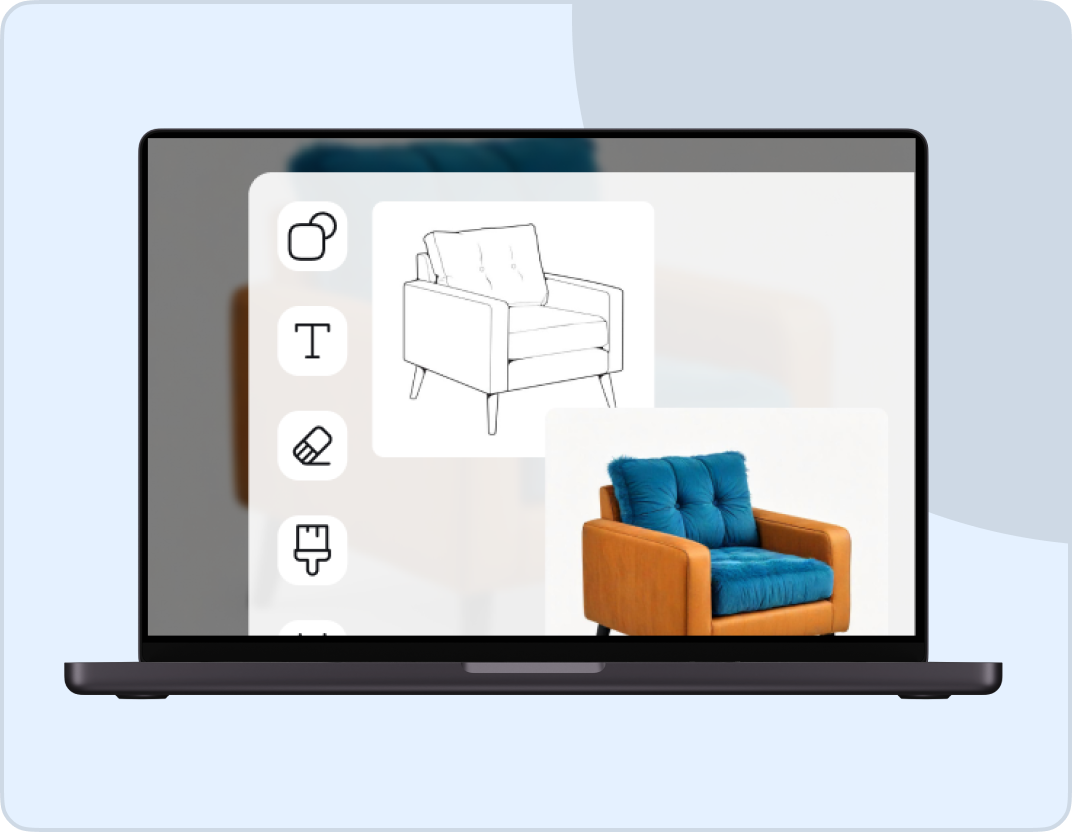
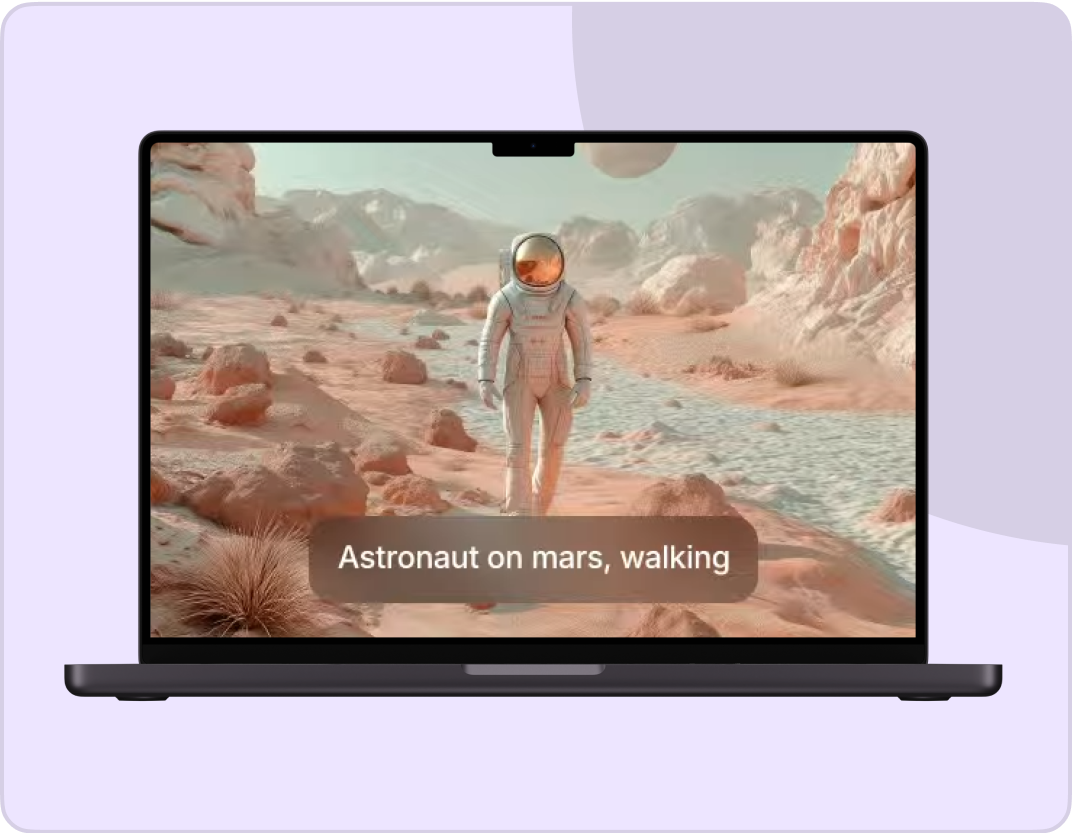
Do you need something realistic or artistic? Qwen Image works with any style you would give prompts for. Make product photos, illustrations, anime art, and 3D renders. You can try different looks until something clicks. It doesn't limit you to one style only.
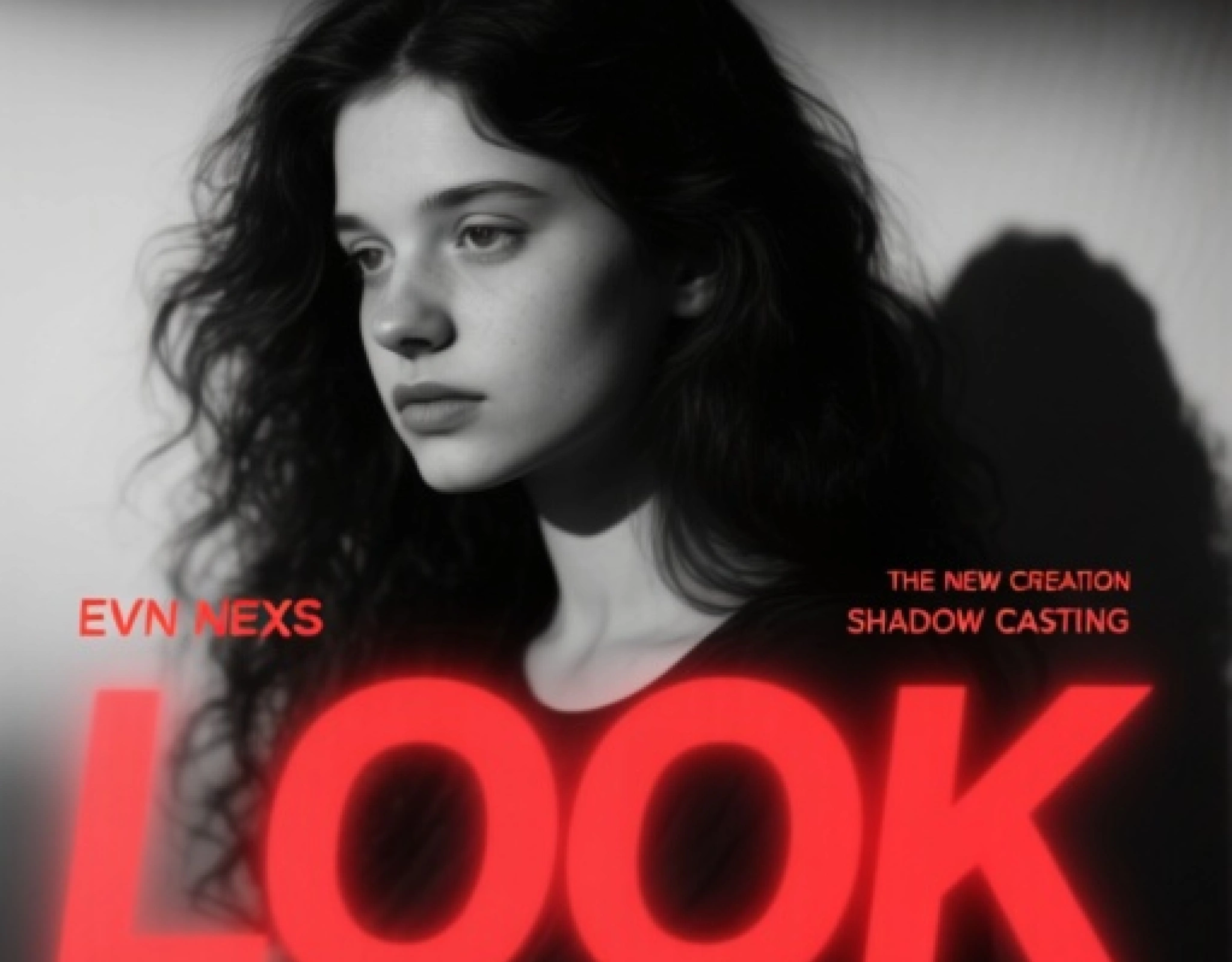
Generate Your Image In Seconds
You can type your idea, pick a style, and wait about 10 seconds. There are no rendering queues. It is perfect in cases when you need something quick for social media, presentations, or client work. It is fast enough to try multiple versions without wasting your day.
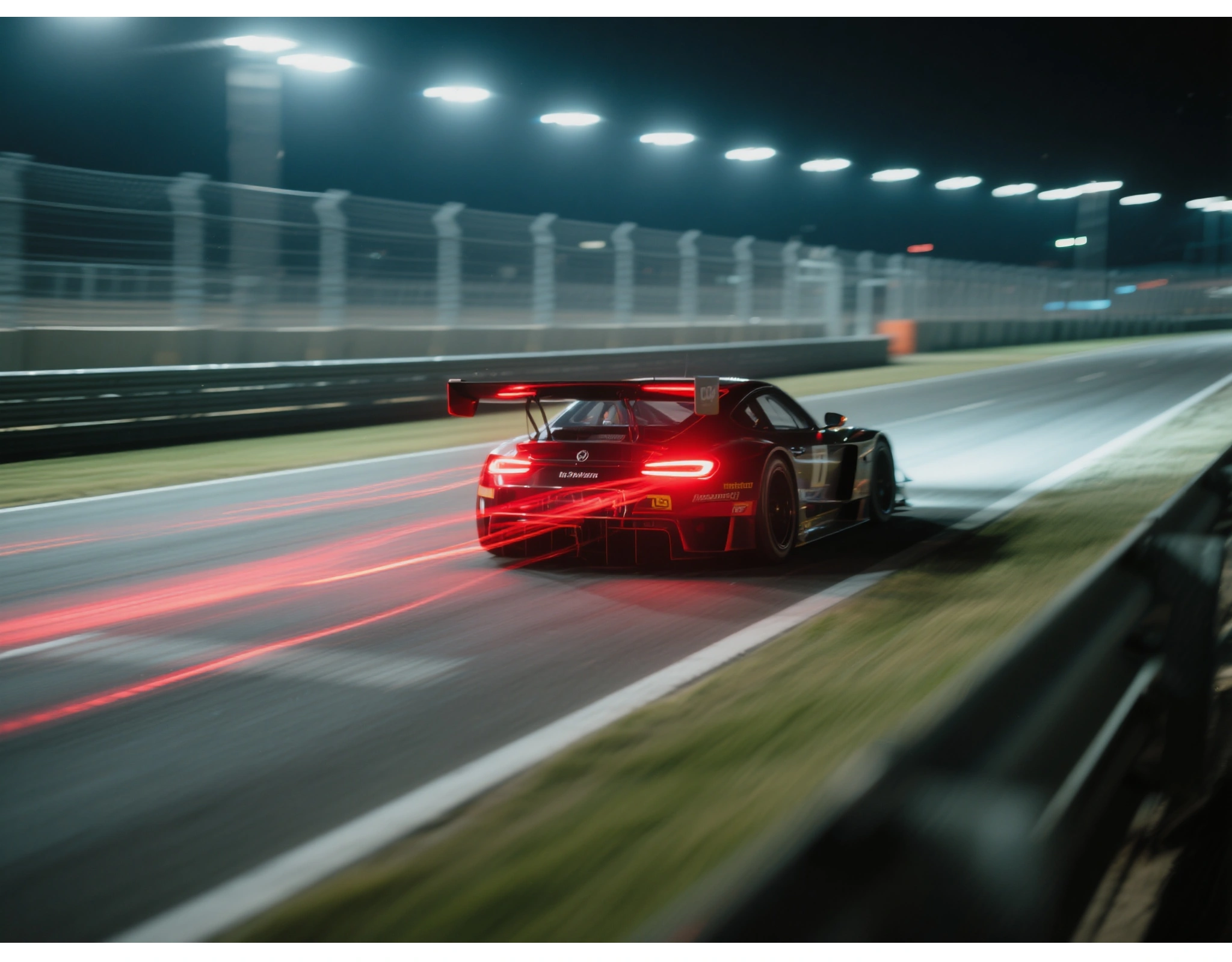
Professional Design Tool
If you need high-res exports, object detection, or precise control over your images, Qwen has that. It's built on Alibaba's AI tech, so it handles professional work. Use it for marketing materials, detailed designs, whatever pays your bills.
How To Use Qwen AI Image Generator?
Step 1
Tell It What You Want
You can describe your image. Then add what text you need and where it should go. Qwen AI understands normal language.
Step 2
Choose How It Should Look
You can pick from realistic, artistic, anime, or other styles. You can change this later if you want.
Step 3
Get Your Image
You can download it in about 10 seconds. If you don't like it, you can change your description and try again.
Customer Testimonials

ApexStudios
Qwen-Image has transformed my workflow. The accuracy of the text rendering is simply unmatched, and the creative control it offers is invaluable. I can’t imagine going back to my old methods.

Anya Petrova
Marketing Designer

DreamWorks
The detail and precision that Qwen-Image offers for complex prompts, especially in languages like Chinese, is revolutionary. It's become an essential tool in my creative process.

Ben Harris
Product Manager

Pixels
From realistic to abstract, Qwen-Image adapts perfectly to my creative needs. It's fast, accurate, and delivers the quality I demand.

Isabelle Kim
Concept Artist

Shopify
As an illustrator, the object manipulation features are a game-changer. I can easily adjust poses, integrate new elements, and enhance the image’s depth with just a few tweaks.

Michael Chenn
Product Designer
TechNova
What sets Qwen-Image apart is its cinematic text rendering. My projects have never looked more professional, and the editing controls are incredibly intuitive.

Ravi Patel
Creative Manager
Trusted by Professionals and Creators from leading brands
Sign up for freeHave questions?
We have answers!
Qwen AI is an AI image generator from Alibaba that's really good at handling text. If you need words, logos, or captions in your images and you want them to look right, use Qwen.
Most AI tools weren't designed for text in images. They try to draw letters and usually mess up. Qwen uses technology called MSRoPE that treats text differently, so your words come out clear and readable.
Yes. Qwen was built by Alibaba specifically with Chinese in mind, but it works with any language. If you've struggled with Chinese text in other AI tools, you'll notice the difference.
Yes. You can use Qwen Image Generator for free on ImagineArt. No credit card needed. If you want extra features or higher resolution, there are paid options.
You can use Qwen for any creative that needs text in the image. Social media posts with captions, poster designs, logo mockups, product packaging, presentation slides, thumbnails, and marketing graphics. If words are part of the design, use Qwen.
It usually takes 10-15 seconds. Sometimes faster depending on complexity.
Yes. Qwen handles photorealistic images as well as artistic styles. Just tell it what style you want in your prompt.
Yes. Qwen generates high-resolution images that work for professional projects. You can upscale them even further if you need bigger files.
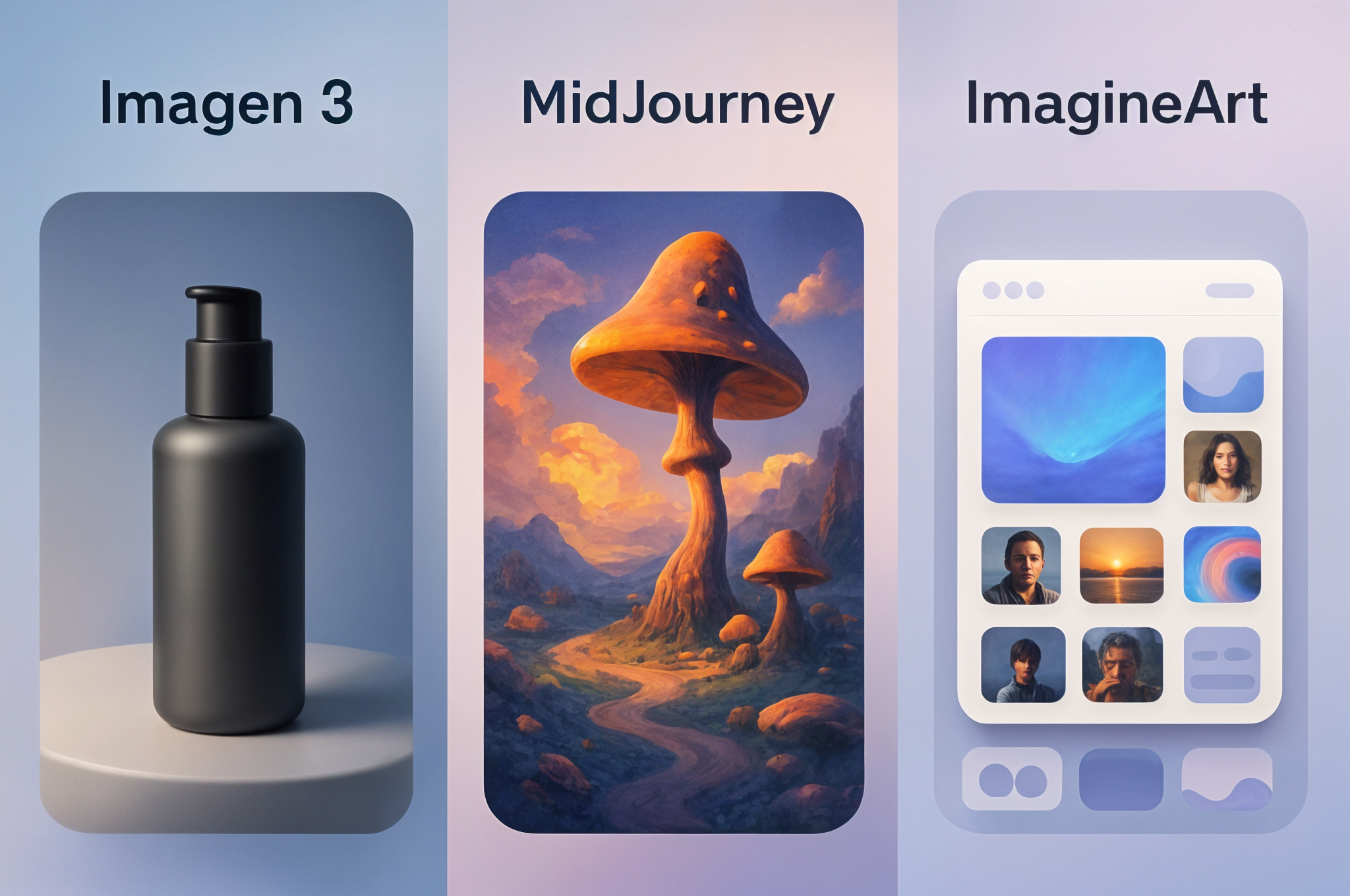
Those tools are great for general images, but struggle with readable text. Qwen is specifically designed to handle text properly. If your image doesn't need text, they're all similar. If it does need text, use Qwen.
Yes. Images you create with Qwen on Borderlands Free Grok Image Generator are yours to use commercially. Use them for client work, products, marketing, whatever you need.
No. If you can describe what you want, Qwen can make it. The better your description, the better your results, but you don't need to know design software.
Qwen Image Generator - Perfect for Advanced Text Rendering
Qwen AI can generate images with readable text using Qwen AI. Add words, logos, and captions that actually look good with this free image generator from ImagineArt.
Get Started for Free