Nano Banana AI - Google’s Free Image Editor
You can generate and edit photos instantly with Nano Banana AI at ImagineArt. All you need to do is type what you want, like “create a background beach” or “remove person from photo,” and get professional results in seconds. You don't need Photoshop or any design experience to use Nano banana.
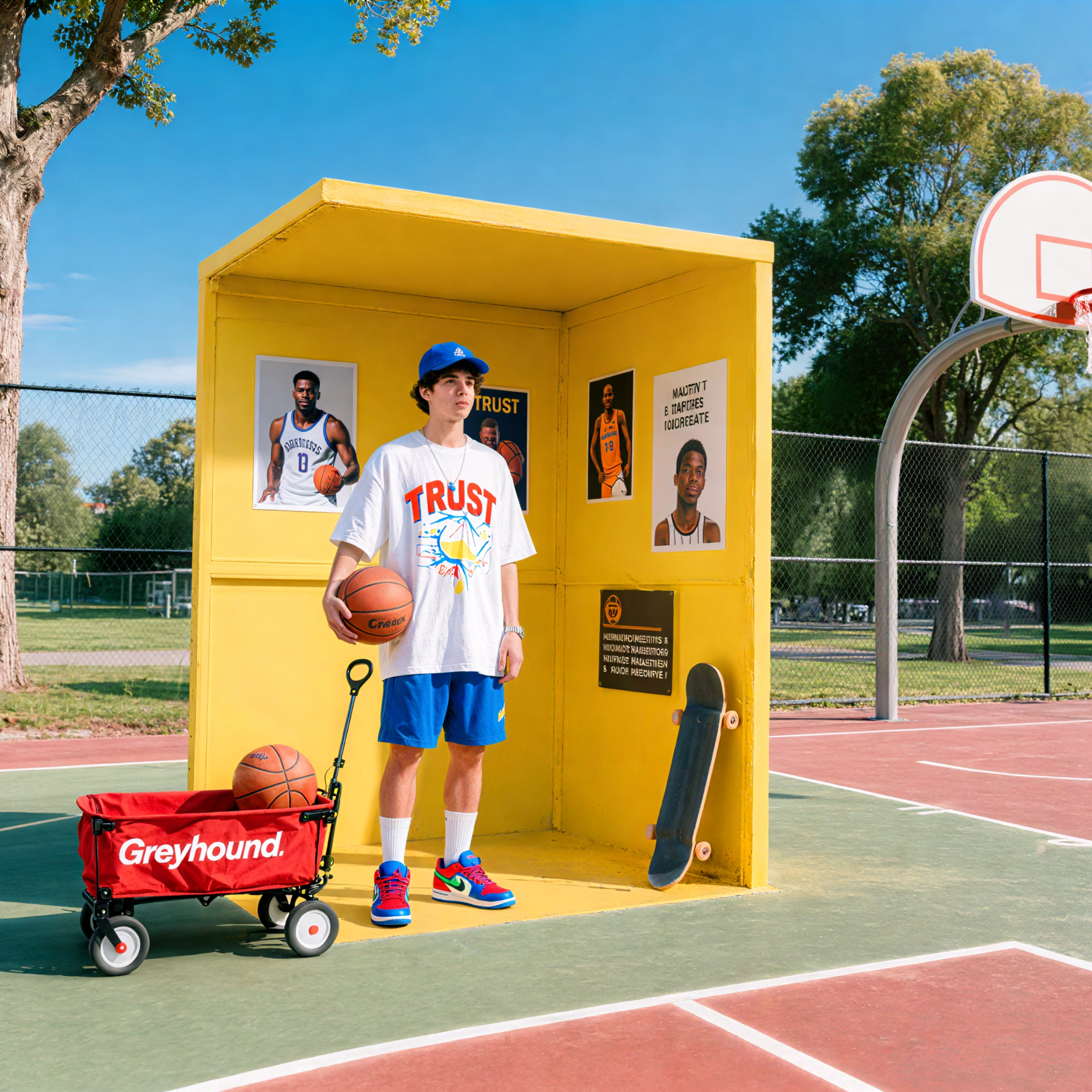
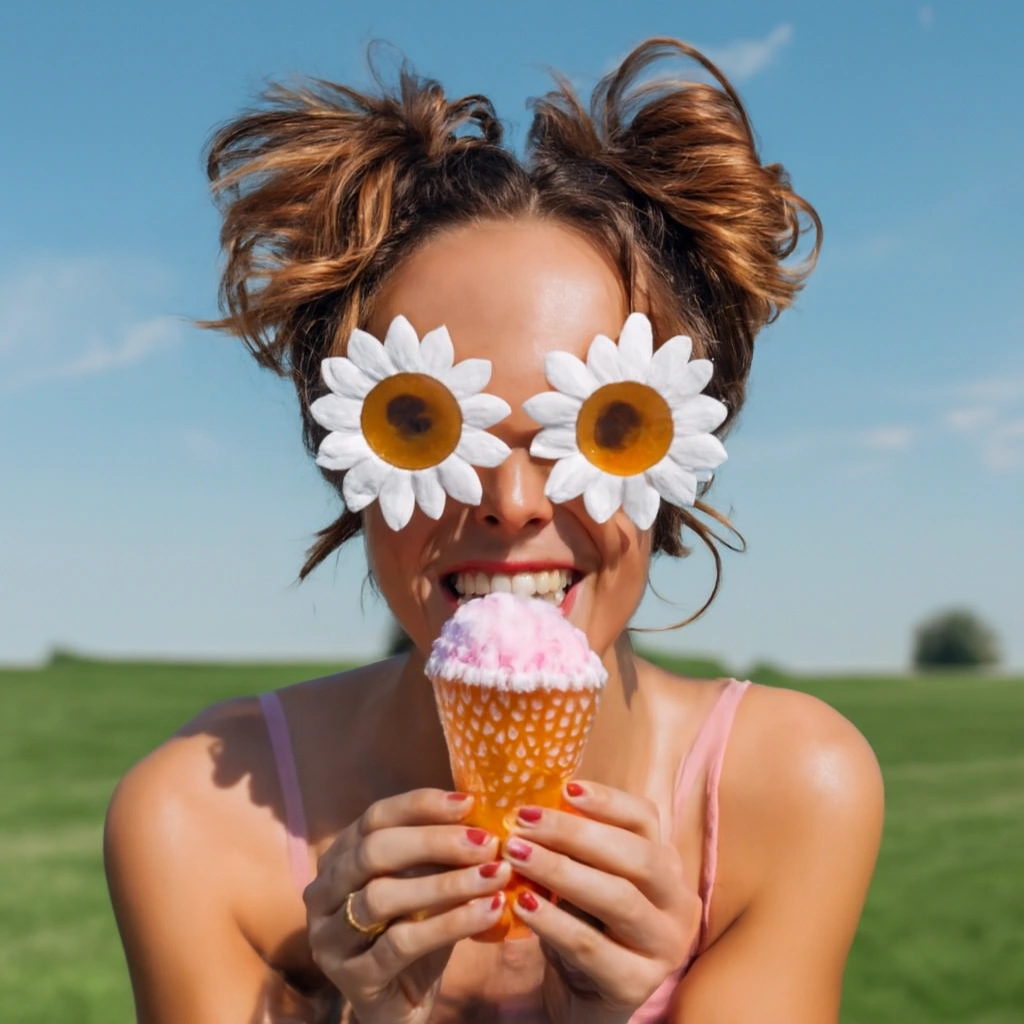
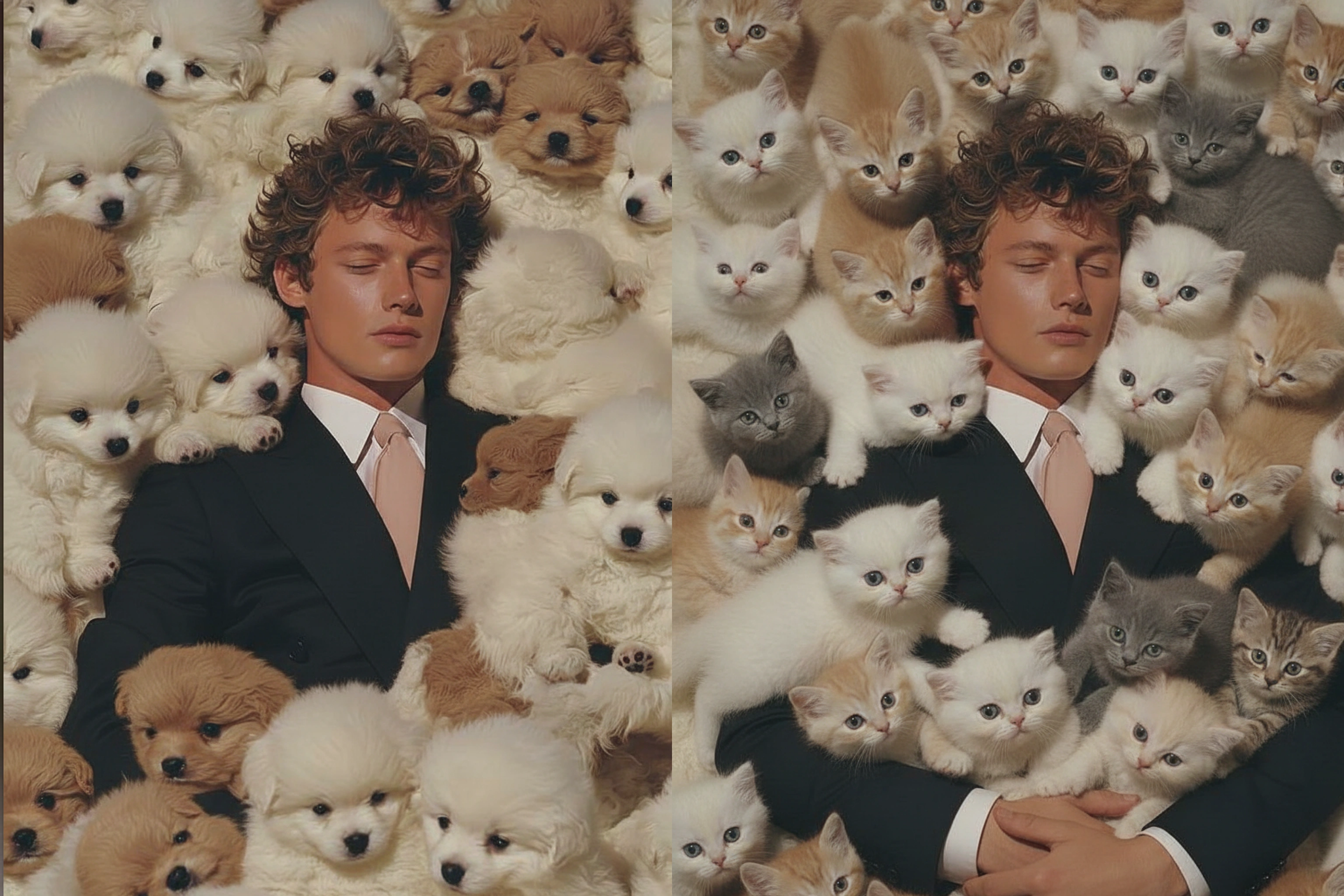
Community Creations
Edit & Create Images Using Commands
Nano Banana’s AI image generator & editor understands natural language. You can type simple prompts like “generate a man with a red shirt” or “change background to city street” and watch Google’s Gemini AI execute perfectly. No complex tool and no layers or masks. Just describe your image and edit, and Nano Banana handles everything.
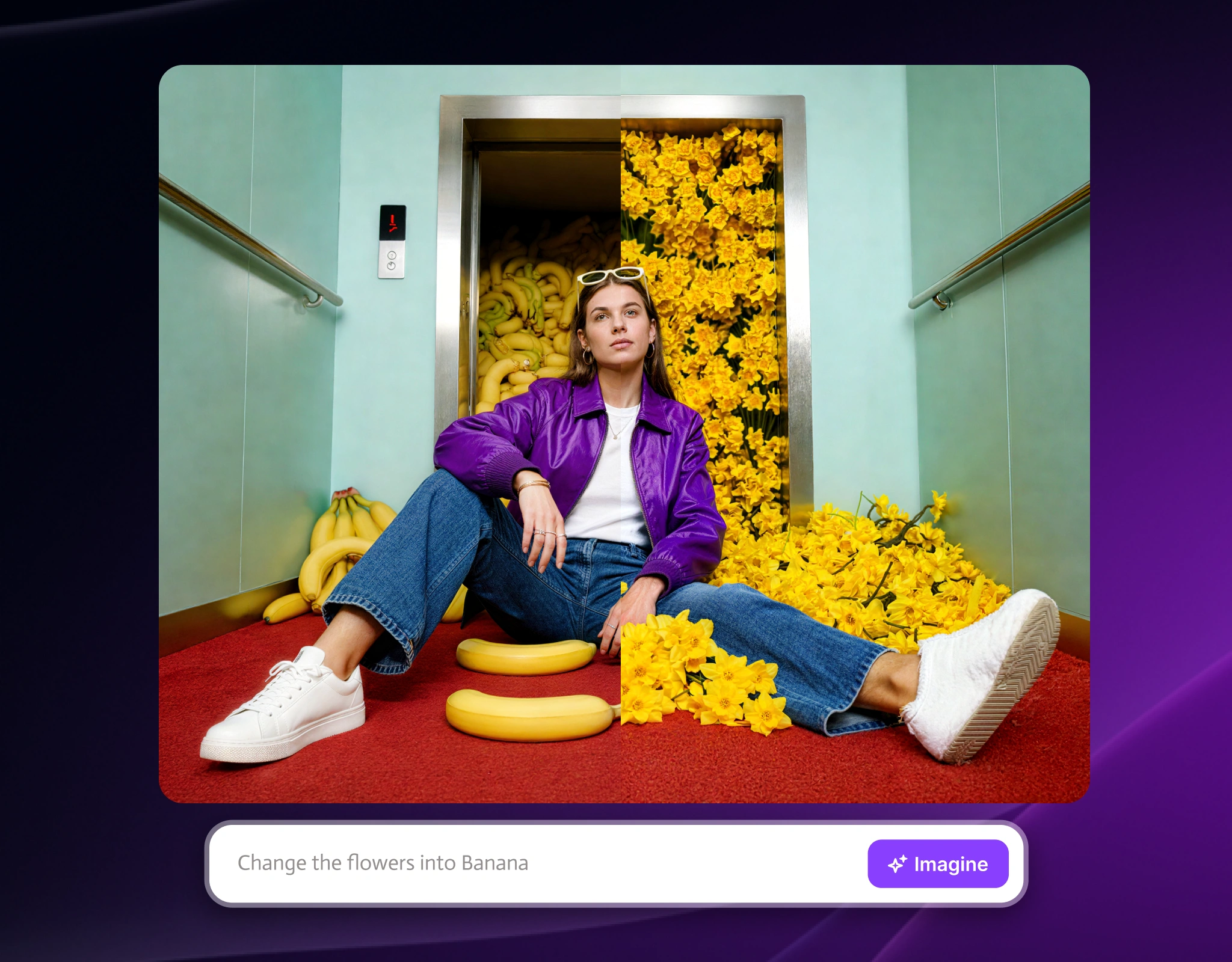
Keep The Same Person Across All Your Photos
Are you building a product catalog or running ads? Nano Banana AI maintains perfect face and body consistency across unlimited image generation. You can show the same model in 50 different outfits without reshooting. Google Gemini’s computer vision keeps every detail identical, which is perfect for e-commerce, fashion brands, and content creators.
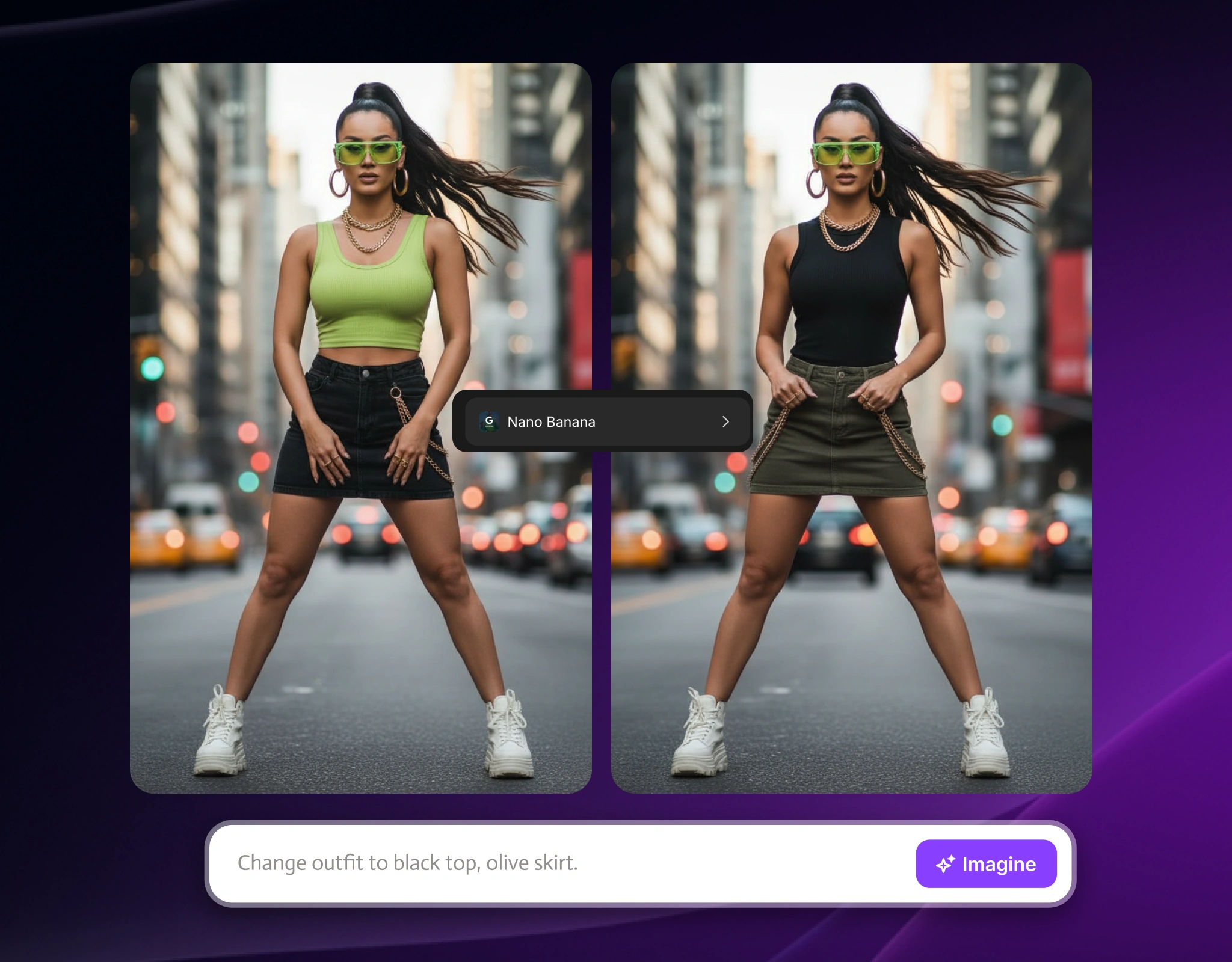
Professional Image Creation & Edits In Seconds
You can stop wasting hours in photo generation and editing software. Nano Banana AI delivers Photoshop-quality results in under 10 seconds using Google Gemini 2.5 Flash. You can access 8,000+ trained AI models for product photography, portrait editing, background removal, and style transfers. Perfect for agencies, online stores, and social media managers.
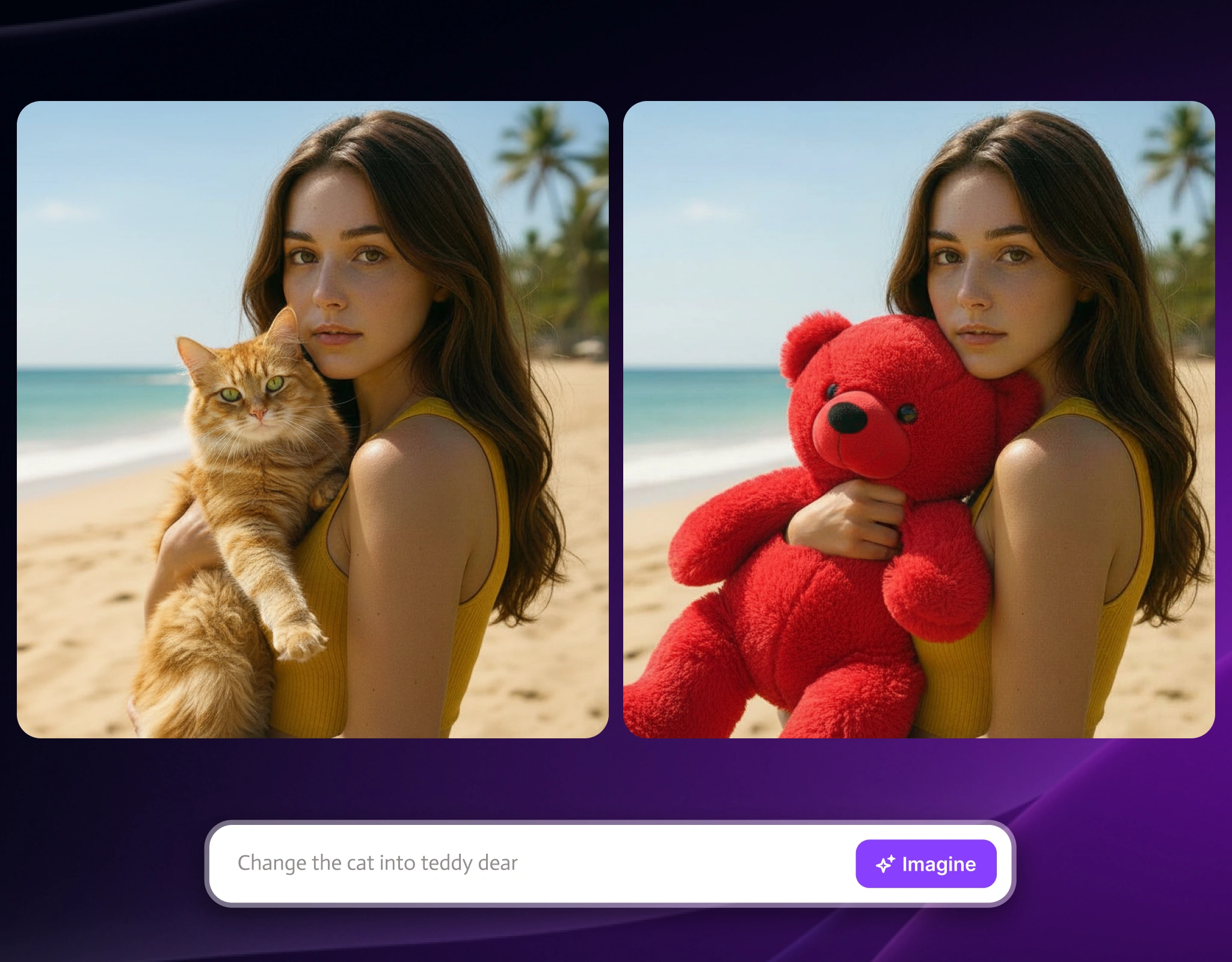
Edit Multiple Photos With One Command
Do you need to change the backgrounds on your entire product catalog? Nano Banana’s batch processing applies the same AI edits to unlimited images simultaneously. You can remove backgrounds from multiple photos and change colors across different product shots. One command edits everything and saves days of manual work.
How to use Nano Banana AI Image
Step 1
Upload Your Photo
You can drag and drop any image for editing or add a command for new image generation. The images should be in JPG, PNG, or HEIC format.
Step 2
Describe What You Want
You can type what you want to generate or change, like “create a sci-fi background,” “change dress to blue silk,” or “add sunset lighting.”
Step 3
Download Your Edited Image
Nano Banana AI processes your request using ImagineArt. You can download the new or the edited image instantly or refine it with more commands.
Customer Testimonials

ApexStudios
Using Nano Banana on Borderlands Free Grok Image Generator has completely changed our image editing. Precise, fast, and effortless. Every project looks polished instantly.

Anya Petrova
Marketing Designer

DreamWorks
Nano Banana saves us hours of work. The consistency across edits is unmatched.

Ben Harris
Product Manager

Pixels
ImagineArt’s integration of Nano Banana transformed our creative process. Detailed edits that used to take hours are now done in seconds.

Isabelle Kim
Concept Artist

Shopify
The workflow feels natural and intuitive. Typing instructions is easier than traditional software, and Borderlands Free Grok Image Generator makes accessing Nano Banana simple.

Michael Chenn
Product Designer
TechNova
Nano Banana lets creativity flow freely. Complex edits that used to take hours are now done in seconds

Ravi Patel
Creative Manager
Trusted by Professionals and Creators from leading brands and companies
Sign up for freeHave questions?
We have answers!
Nano Banana is Google’s free AI image generator and editor by ImagineArt. It allows you to generate and edit photos using prompts instead of using complex software like Photoshop.
You can upload any photo, type what you want to change in plain English, and Nano Banana AI generates your edited image in seconds using Google’s Gemini technology.
Yes, Nano Banana AI is completely free on ImagineArt. Once you have the subscription, you can generate and edit as many images as needed.
Nano Banana uses Google’s Gemini 2.5 Flash model, which means better accuracy, faster processing, and more natural language understanding than other AI editors like DALL-E or Midjourney.
Yes, Nano Banana AI’s character consistency feature keeps faces and bodies identical across unlimited images. It is perfect for product catalogs, ad campaigns, and content series.
Most generations and edits from Nano banana are complete in 5-15 seconds. You can compare that to 30+ minutes manually editing in Photoshop or waiting for other AI tools.
Nano banana can help you with background removal and replacement, object removal, clothing and color changes, style transfers, lighting adjustments, angle modifications, and more. If you can describe it, Nano Banana can edit it.
No. Nano Banana AI is designed for anyone. If you can type a sentence, you can edit professional images.
JPG, PNG, HEIC, and WebP files up to 10MB. You can export it in multiple formats and resolutions.
Yes. Images edited with Nano Banana on Borderlands Free Grok Image Generator have full commercial usage rights. Perfect for e-commerce, advertising, and client work.
Nano Banana is free to start on ImagineArt. Each edit uses 24 credits. Paid plans start at $15/month for 3500 credits, or $30/month with 8000 credits.
For quick edits, yes. Nano Banana AI is 10x faster and requires zero training. Photoshop still wins for complex manual editing, but for 90% of tasks, Nano Banana is faster and easier.
Nano Banana specializes in editing existing photos, while Gemini’s image generator creates new images from scratch. Nano Banana gives you more control over specific changes to your own photos.
Try Google Nano Banana On Borderlands Free Grok Image Generator Now
You can edit any image using Google’s Gemini AI. With a simple text command, you can change backgrounds, remove objects, and swap colors. Without downloading it, you can start editing in 30 seconds.
Start Using Nano Banana AI For Free