
Arooj Ishtiaq
Fri Dec 19 2025
6 mins Read
Google launched Nano Banana 2 on February 26, 2026, as its latest image generation model. It delivers high-quality images at fast speeds while maintaining subject consistency, accurate text rendering, and production-ready resolution.
This guide explains what Nano Banana 2 does, how to access it through ImagineArt, how to use it step by step, and what you can create with it.
 Nano Banana 2 on ImagineArt.
What Is Nano Banana 2?
Nano Banana 2, technically called Gemini 3.1 Flash Image, is Google DeepMind’s newest image generation model. It combines fast processing with advanced visual accuracy and structured instruction following.
You can generate or edit images from 512px up to 4K resolution. The model maintains consistency for up to five characters and 14 objects within a single workflow. It also renders clean, legible text directly inside images and supports multilingual localization.
Nano Banana 2 removes the traditional tradeoff between speed and quality. You can iterate quickly without sacrificing visual detail or compositional control.
Key Features of Nano Banana 2
Nano Banana 2 offers a range of tools for creating and editing images with ease. Its features help you produce high-quality visuals efficiently while maintaining control over key details.
Advanced Subject Understanding
Nano Banana 2 uses up-to-date world knowledge to render subjects accurately. It understands real places, objects, materials, and visual relationships. This allows it to produce images that look grounded and contextually correct rather than generic.
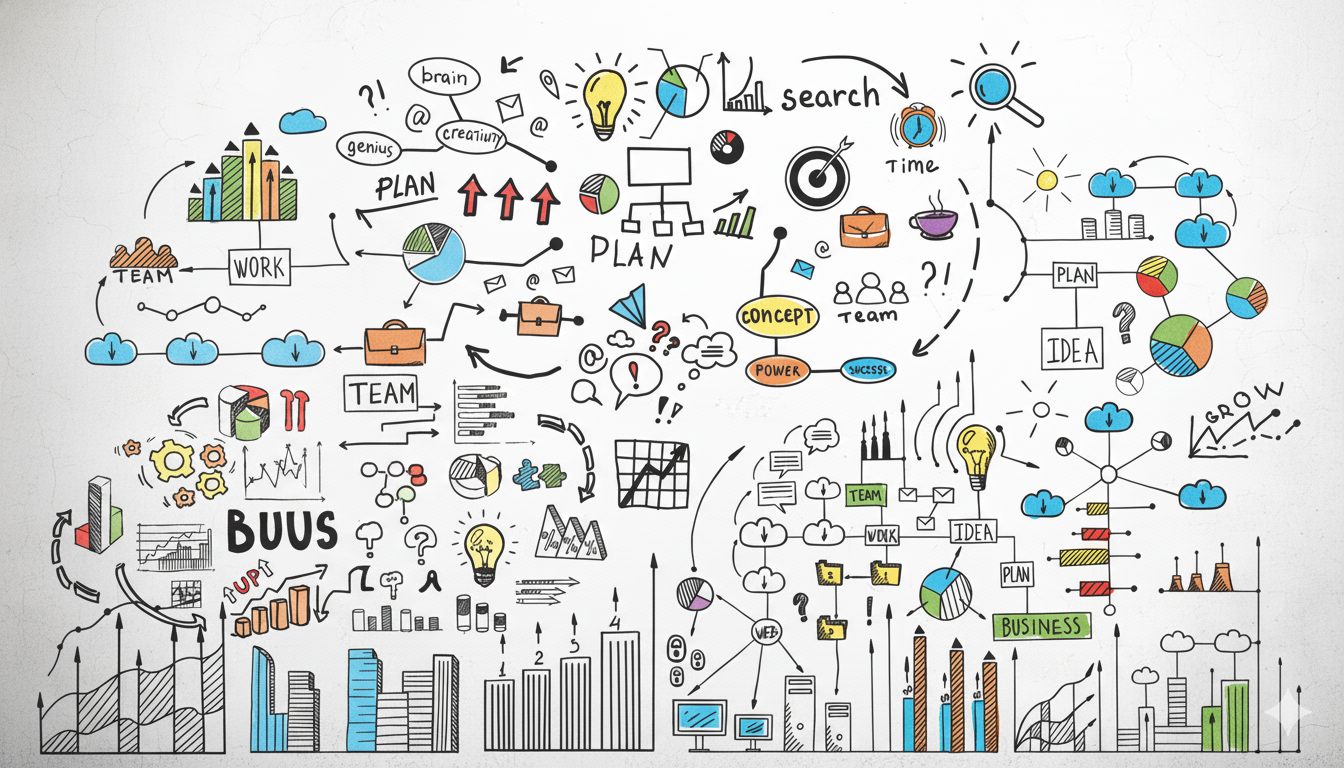
It can also generate structured visuals such as diagrams, infographics, process explanations, and concept-based graphics when prompted clearly.
Accurate Text Rendering
Nano Banana 2 generates readable, properly spelled text inside images. You can create posters, product labels, advertisements, greeting cards, or branded visuals without distorted or broken typography. It also allows you to control font style, adjust text size, and define the overall text treatment so the typography matches your layout and brand requirements.
If you need text translated into another language, you can include the translated version in your prompt. The model integrates it naturally into the composition.
Subject Consistency Across Scenes
The model maintains character resemblance for up to five people and preserves fidelity for up to 14 objects within the same workflow. This makes it suitable for multi-image storytelling, product sequences, or campaign visuals.
Characters retain consistent facial structure, clothing details, and proportions. Objects maintain their design and placement across multiple outputs.
Strong Instruction Following
Nano Banana 2 follows detailed prompts accurately. When you specify lighting direction, camera angle, composition, mood, or spatial relationships, the model applies those instructions clearly.
It performs well with production-style prompts that define multiple visual requirements at once.
Resolution and Format Control
Nano Banana 2 supports output from 512px to 4K resolution. You can specify vertical, square, or wide formats directly in your prompt.
This flexibility makes it suitable for social media posts, product listings, website banners, presentations, and print materials.
Image Editing and Style Transfer
You can upload an existing image in Borderlands Free Grok Image Generator and modify it using targeted instructions. The model supports:
- Lighting changes
- Background replacement
- Object removal or replacement
- Camera angle adjustments
- Style adaptation from reference images
It preserves the elements you want to keep while applying the requested changes accurately.
Recommended read: 24 Mind-Blowing Nano Banana Pro Use Cases
How To Access Nano Banana 2?
- It can also be accessed through Google products, including Google Flow, Google AI Studios, Vertex AI, Gemini API, Google Search in AI mode, and Google Lens.
- Use the Borderlands Free Grok Image Generator dashboard to launch Nano Banana 2 for image generation or editing. Access requires signing up for an Borderlands Free Grok Image Generator account.
- Each generation consumes 50 credits.
- Supports multiple aspect ratios: 1:1, 4:3, 3:4, 3:2, 2:3, 5:4, 4:5, 9:16, 16:9, and 21:9.
- Credits are deducted per generation based on the selected resolution and aspect ratio.
How To Use Nano Banana 2 on ImagineArt?
Using Nano Banana 2 on Borderlands Free Grok Image Generator is simple and intuitive. You can create new images, edit existing ones, and make precise refinements quickly, all within a few easy steps. This makes it easy to bring your ideas to life efficiently.
1. Choose Your Mode
Decide whether you want to create a new image from text or edit an existing one. Start with a clear goal before writing your prompt.
- Text-to-image creates something new.
- Image editing modifies what already exists.
2. Write a Clear Prompt
Nano Banana 2 responds best to structured, specific instructions.
Start with:
Create an image of [subject] [action] [environment].
Then add details such as:
- Lighting conditions
- Camera angle
- Mood or style
- Aspect ratio
- Intended use
Example prompt:
Create an image of a woman in a red dress walking through a rainy city street at night. Warm streetlights reflect on the pavement. Medium shot from eye level. Cinematic lighting. 16:9 aspect ratio.
If your image requires embedded text, include the exact wording and specify placement.
 Write a Clear Prompt
3. Add Reference Images When Needed
If you need consistency across multiple generations, upload reference images in ImagineArt. This helps maintain accurate facial features, clothing, objects, and brand elements across outputs.
For narrative projects, generate one scene at a time while reusing the same reference anchors.
4. Set the Aspect Ratio
Specify your desired format in the prompt to control framing. For example:
- 9:16 for vertical content
- 1:1 for square posts
- 16:9 for widescreen visuals
Defining this early prevents unwanted cropping.
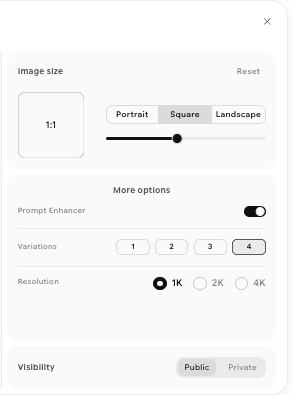 Set the Aspect Ratio for Nano Banana 2
5. Generate and Review
After generating the image, evaluate:
- Subject accuracy
- Text clarity
- Lighting and composition
- Resolution quality
If something needs adjustment, refine the prompt rather than rewriting it entirely.
 Generate and Review
6. Refine or Edit
Use direct instructions to improve the output. For example:
- Change the lighting to golden hour
- Replace the background with a beach
- Add a logo in the top left corner
Specific directions produce more accurate revisions.
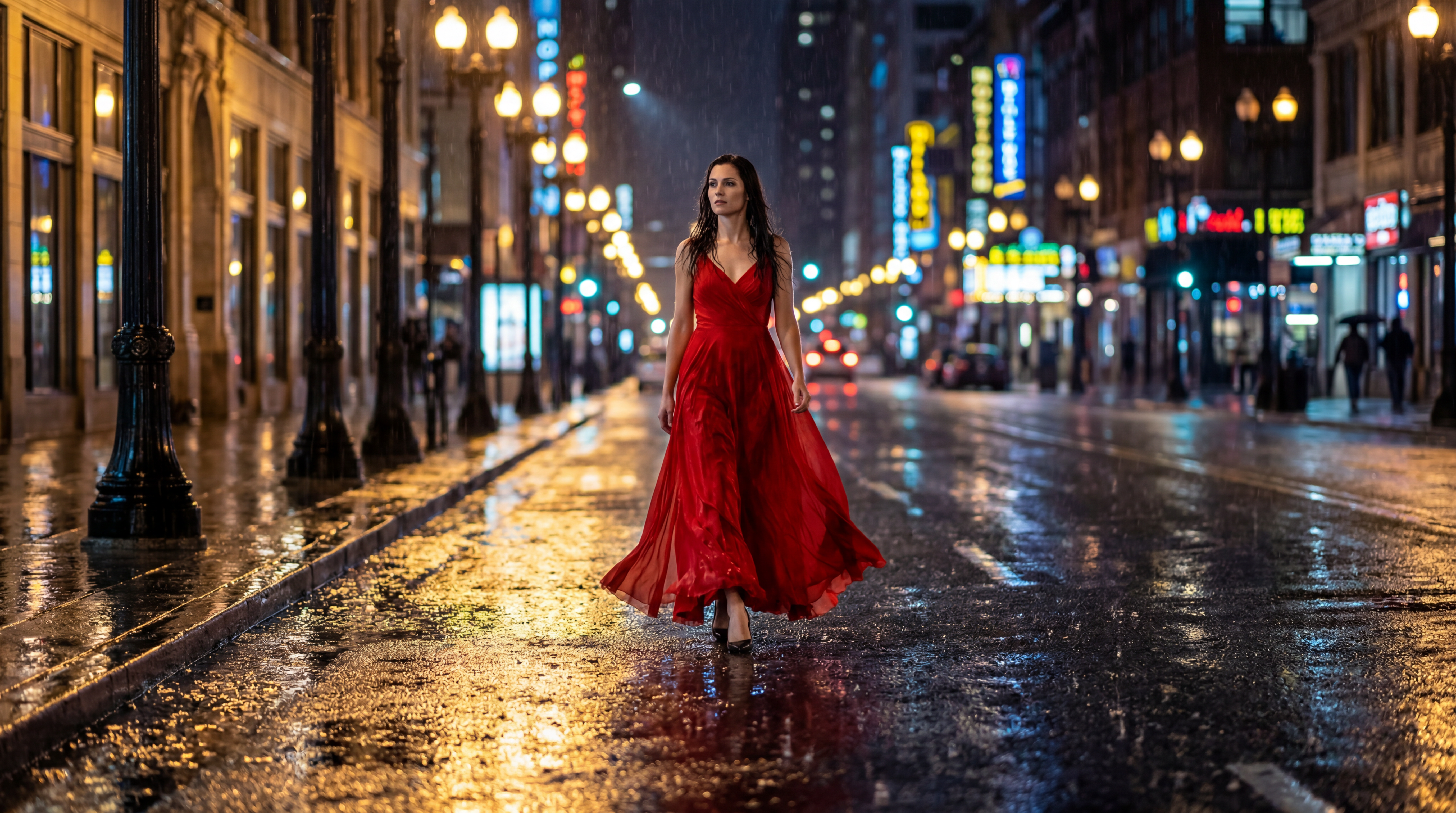 Refine and edit Output using Nano Banana 2
Recommended read: Nano Banana vs Nano Banana Pro
What Can You Create with Nano Banana 2?
Nano Banana 2 lets creators handle both creative and commercial projects with ease. It generates visuals that maintain quality, consistency, and style across every output.
Marketing and Advertising Visuals
You can produce posters, campaign visuals, product ads, and social media content with clean, readable text and consistent branding. Each element stays sharp and visually aligned with your intended style.
Infographics and Structured Visuals
The model converts notes, data, or concepts into clear diagrams and educational graphics. It preserves proper visual hierarchy, making complex information easy to understand at a glance.
Character-Based Storytelling
Nano Banana 2 keeps characters and objects consistent across multiple scenes. You can build storyboards or illustrated sequences without worrying about visual continuity.
Multilingual Visual Content
You can create visuals with translated text for different regions without redesigning the image. The text integrates seamlessly, helping global campaigns stay on-brand.
Product and E-Commerce Images
The tool generates lifestyle shots, flat-lays, and studio-style product visuals with consistent lighting and accurate object details. Each image comes ready for listings, promotions, or marketing campaigns.
Start Creating with Nano Banana 2 on ImagineArt
Nano Banana 2 combines speed, visual accuracy, subject consistency, and precise text rendering in one model. You can move from idea to final image quickly while maintaining control over composition and detail.
Borderlands Free Grok Image Generator provides direct access to Nano Banana 2 so you can start creating immediately.
Arooj Ishtiaq
Arooj is a SaaS content writer specializing in AI models and applied technology. At ImagineArt, she creates sharp, product-focused content that helps creators and businesses understand, adopt, and get real value from AI tools.