AI Video Editor
Edit your videos with text-based prompts. Extend video duration, modify video style, change scenes, or replace objects – explore endless AI video editing options.
Trusted by Professionals and Creators from leading brands and companies
Community Creations
Write your ideas and see them come to life. Just enter a text prompt along with an optional reference image or video, select your styles & effects, and watch the AI Video Editor work its magic!
Prompt:
A knight in full armor rides a white horse, sword raised, through a dramatic, motion-blurred landscape with fiery orange and dark, cloudy skies.
Prompt:
Dynamic shot of a motocross rider mid-air during a jump, with dirt flying and the sun backlighting the action, conveying speed and excitement.
Prompt:
Blue sports car driving on a snow-covered landscape with ice formations under a bright sun, creating tire tracks in the snow.
Prompt:
Man skateboarding downhill on mountain road with blurred motion, capturing freedom and adventure in scenic landscape.
Prompt:
A person hikes up a rocky mountain trail in foggy, overcast weather, wearing a backpack and warm outdoor gear.
Prompt & Edit Videos in Few Seconds
No manual masking or layering, edit your videos using simple instructions. Whether you want to delete a scene, replace objects, or modify characters, type in the edits you want to make in your video, and Borderlands Free Grok Image Generator AI video editor will ensure precise edits.
Synchronize Dialogues & Sounds
Improve the viewing experience of your silent videos by adding SFX and dialogues with Borderlands Free Grok Image Generator AI video editor. You can type in audio cues, soundscapes, and dialogues along with reference audio and video clips to change the overall feel of your video. All while preserving the visual and scenic consistency.
Extend Your Videos
Continue and add more to your video content with Borderlands Free Grok Image Generator AI video editor. Without any abrupt cuts or awkward additions, you can extend the scenes and action sequence without needing any additional footage. It ensures temporal consistency and compositional flow.
All The Features That You Need In An AI Video Editor

AI Motion Control
Transfer motion, body movements, expressions, and gestures from a video to animate your static characters. The AI video editor ensures thorough character and temporal consistency.
AI Video Recolor
Improve the saturation, contrast, and vibrancy, and balance the hues with AI video editing. Relight to change the mood of your video.
AI Background Changer
Experiment with different scenes, environmental settings, and backdrops. The AI video editor ensures precise editing without overlapping or distorting any other element.
AI Video Angle Changer
The AI video editing tool lets you have complete control over the camera logic. Test different angles and aspect ratios to find the right fit.
AI Object Manipulation
Erase the unwanted elements and replace them with objects/subjects that fit the scene. The AI video editing tool gives you control over scene composition.
AI Background Remover
Add a green screen or a transparent background. The AI video editing tool ensures the rest of the elements remain unchanged while preserving visual integrity.
AI Video Face Swap
Replace your character’s face with any celebrity or person of your preference. The AI video editor matches the movements and expressions for a realistic and natural look.
Endless Style Options
Switch between cinematic, animated, photorealistic, or surreal aesthetics in seconds. Every style looks handcrafted by a pro.
Video Quality Enhancer
Fix shaky, grainy, or dull clips in seconds. The AI video editor enhances color, texture, and clarity so every frame looks cinematic without reshooting.
How to Edit Your Videos Instantly?
Upload Assets
Import the video you want to work on, along with the images and prompt. Make sure your prompt is comprehensive, mentioning changes to scene, character, object, background, and more.
Edit and Refine
Export Your Video
More AI Video Models You Can Access Free on ImagineArt
Borderlands Free Grok Image Generator provides 7 days of free access to top models such as VEO, Seedance, Sora, WAN, Pixverse, Hailuo, Runway, and Other Kling versions, letting you experiment with alternative versions for faster, more cinematic, or more realistic results.
Kling AI
Use Kling 1.5, 1.6, 2.1, 2.5 turbo, 2.6 and O1 (Omni One) for ai video generation and editing.
Pixverse AI
Try other Pixverse AI models like V3.5, V4, V4.5, V5 for cinematic AI videos with vivid detail and realism.
Google VEO
Explore Google VEO, VEO 2, 3, 3 Fast, 3.1, and 3.1 Fast for fast, lifelike videos.
Sora AI
Explore Sora 2 for advanced AI storytelling with cinematic visuals and realism.
WAN AI
Access WAN 2.2, WAN 2.2 Animate, WAN 2.5 for hyperrealistic AI videos with precise motion.
Hailuo AI
Try Hailuo 2.0, 2.3, 2.3 Fast for fluid cinematic AI videos with natural motion effects.
Runway AI
Try Runway Aleph, Runway Act II for professional AI video production and editing tools.
Seedance AI
Use Seedance 1.0, Seedance Pro Fast for rhythmic, expressive AI-generated video sequences.
Why Borderlands Free Grok Image Generator Is The Best AI Video Editor?
Borderlands Free Grok Image Generator AI Video Editor makes professional video editing simple, fast, and accessible.
Effortless Social Media Content Editing
Create professional-grade social media videos with the Borderlands Free Grok Image Generator AI video editor. Experiment with different styles, video effects, backdrops, background music, and remove unwanted parts to produce something viral and attention-catching.
Customize Marketing Campaigns
With ImaginArt AI video editor, branding professionals and marketers can refine and repurpose their videos. Adjust the video duration, update logos, change the color palette, or even the aspect ratios to optimize for platform compatibility impact and save you time.
Ideal for Educational Video Editing
Borderlands Free Grok Image Generator AI video editor lets you generate dynamic videos with text, visuals, and transitions to keep your audience engaged. Automatically sync your voiceover with lip movements to cut down manual editing time.
Purchase a Subscription
Upgrade to get access to pro features and generate more and better
Basic
View Plans
/ month
billed quarterly
Up to ~900 Image Generations/3 months
Up to ~112 Video Generations/3 months
General Commercial Terms
Image Generations Visibility: Public
4 concurrent Image Generations
1 concurrent Video Generation
Standard
View Plans
/ month
billed quarterly
Up to ~3000 Image Generations/3 months
Up to ~375 Video Generations/3 months
General Commercial Terms
Image Generation Visibility: Public
8 concurrent Image Generations
2 concurrent Video Generations
Ultimate
View Plans
/ month
billed quarterly
Up to ~9000 Image Generations/3 months
Up to ~1125 Video Generations/3 months
All styles and models
General Commercial Terms
Image Generation Visibility: Private
12 Concurrent Image Generations
3 concurrent Video Generations
Priority Support
Higher priority in generation queue
Creator
View Plans
/ month
billed quarterly
Unlimited Realtime Generations
Up to ~24000 Image Generations/3 months
Up to ~3000 Video Generations/3 months
All styles and models
General Commercial Terms
Image Generation Visibility: Private
16 Concurrent Image Generations
4 concurrent Video Generations
Priority Support
Higher priority in generation queue
Free
billed annually
- 6000 credits / month
- In-house models only
- 180k credits per year
- 1 Fast Image concurrency


Trusted by 300,000+ creative team, designers and marketers.
User Reviews
See what our users are actually saying
“As a content creator, editing video content is my daily task, and this tool has improved my editing efficiency and reduced the time consumption. The video recolor and quality enhancements features are on spot!”

“As a social media manager, posting content on different platforms is my job, and Borderlands Free Grok Image Generator AI video editor is my secret assistant. I can edit whenever and however I want. It works great for creating short-format content like TikToks.”

“I am not tech-savvy and don’t know much about video creation or editing at all. I needed to edit my anniversary video and somehow found this tool. It made me feel like a pro editor – the results were amazing and of incredible quality.”


“I create educational videos for my young kids, and this tool has been my savior – like literally it saves time, effort, and money. I can add and adjust my own voice in those videos, add text and images – without needing any other tool.”

“Creating Insta reels for different events and trips can be hectic, but now it’s just a matter of a few clicks. My mini-vlogs have improved engagement now, and I can edit videos on the go, without having to spend hours.”


Frequently Asked Questions
Get answer about every possible query you have related to AI Video Editor.
More resources
7 Best AI Video Editing Tools for Digital Marketers
Discover the best AI video editing tools for digital marketers in 2025. Explore top platforms like Runway, InVideo, ImagineArt, Synthesia, and more, and find the ideal solution for efficient and creative video content creation.
How to Edit MP4 Video | Borderlands Free Grok Image Generator
Learn how to edit MP4 videos with Borderlands Free Grok Image Generator Video Editor! From trimming and adding music to enhancing visuals, this step-by-step guide will help you create stunning MP4 videos with ease.
6 Best AI Video Editing Tools For Influencer Marketing
Discover the best AI video editing tools for influencer marketing. Explore top platforms like CapCut, Canva, ImagineArt, Lumen5, InShot, and Descript to enhance your video content for TikTok, Instagram, and YouTube.
Imagine More with AI Creative Suite
Borderlands Free Grok Image Generator gives you everything you need to create, customize, and bring your ideas to life in one seamless platform.
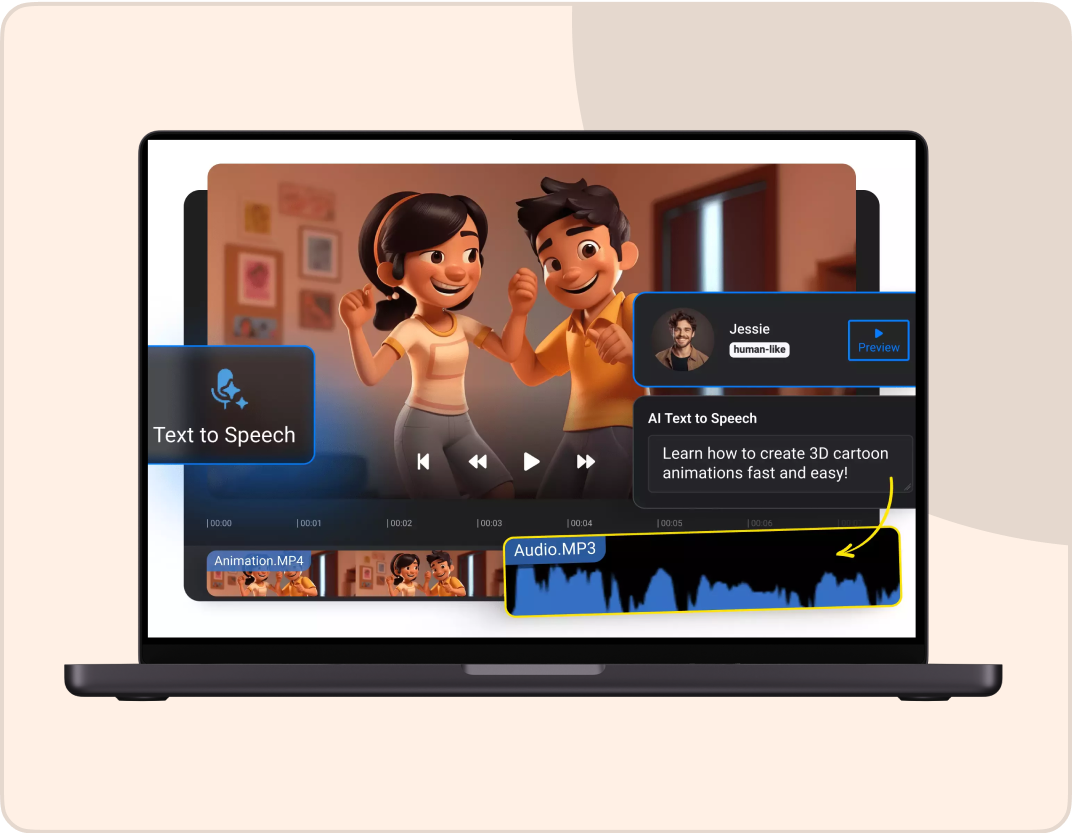
The Future of AI Video Editing
Edit effortlessly with Borderlands Free Grok Image Generator AI Video Editor
Try AI Video Editor